
Reading Time:
12 minutes
Category:
Nonprofit
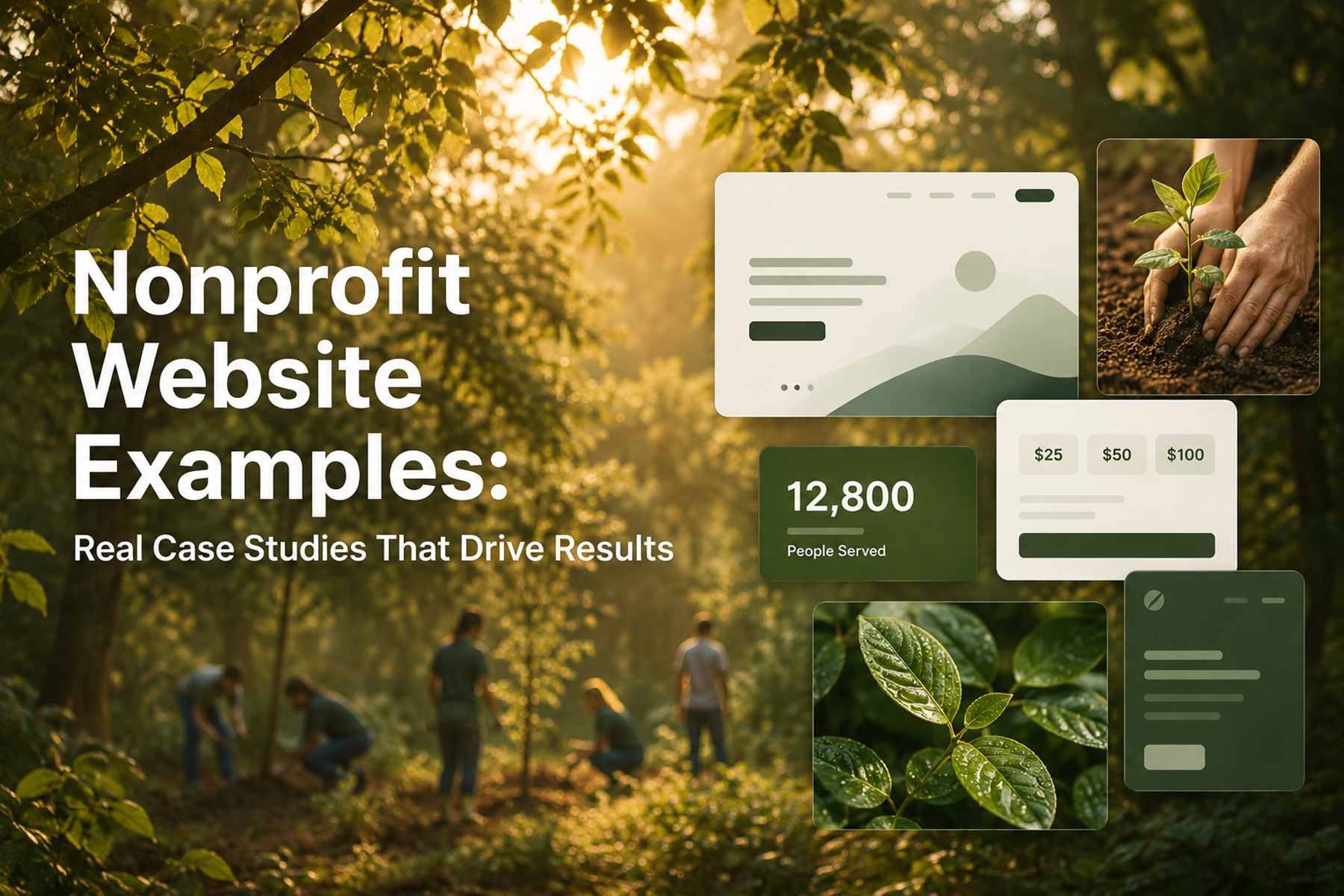
An annotated breakdown of nonprofit website examples that actually convert — with specific analysis of what makes each design work and what other organizations can apply.


An annotated breakdown of nonprofit website examples that actually convert — with specific analysis of what makes each design work and what other organizations can apply.
The best nonprofit websites share something that's hard to articulate until you've seen enough of them: they feel earned.
The design doesn't feel like it was applied on top of the mission: it feels like it grew from it. The copy doesn't explain everything at once: it says exactly the right thing at exactly the right moment. The navigation doesn't lead you through the organization's org chart: it leads you toward the action that makes sense for you.
That doesn't happen by accident. It happens through a process that starts with understanding users before touching a single design element.
Here's our annotated breakdown of what great nonprofit website design looks like in practice: drawn from our own work and from the broader space: and what every organization can learn from it.
We're not judging these websites on aesthetics alone. A beautiful website that doesn't convert is a beautiful problem. We look at:
With those criteria in mind, let's look at what great actually looks like.
When we redesigned WWF Canada's digital platform, we were working with one of the most recognized environmental organizations in the world. The challenge wasn't awareness: it was conversion. Traffic was there. But too many of those visitors were leaving without taking the action WWF needed them to take.
What we did: Rebuilt the information architecture around four distinct user types. Redesigned the donation flow from scratch: fewer steps, clearer impact statements, a natural surface point for recurring donation options. Integrated bilingual content architecture (English and French) with a seamless experience across both. Added integrated shop, advocacy platform, and peer-to-peer fundraising.
What to notice in this design:
The outcome: Transactions up 30%. Unique users up 25%. Time on page up 18%.
Read the full WWF Canada case study →
Mercy For Animals presents a different design challenge from WWF: a global organization running dozens of simultaneous campaigns, with multilingual audiences, advocacy actions, donation flows, and volunteer recruitment all needing to coexist without overwhelming any individual user.
The design risk here was sprawl: a website that tried to surface everything and succeeded at nothing.
What we did: Consolidated 12+ campaign page templates into three flexible, reusable structures. Rebuilt the navigation to serve user intent rather than organizational hierarchy. Executed a platform migration that preserved over 90% of existing SEO authority, with the remaining recovery completed within four weeks.
What to notice in this design:
The outcome: Donations up 32% in year one. Full accessibility compliance. SEO fully preserved through major migration.
Read the full Mercy For Animals case study →
DonateHello is a donation platform designed to help nonprofits raise more money: which means the website itself needs to model excellent donation UX. The standard is higher here because the audience already knows what bad donation design looks like.
What we did: Rebuilt the cause discovery experience so donors can find and connect with causes before committing. Redesigned the donation flow to surface transparency at every step: what does this donation do, how does it get there, what will I know afterward? Rebuilt impact reporting so donors have visibility into the difference their contribution made.
What to notice in this design:
Read the full DonateHello case study →
After reviewing our own work and studying the broader landscape, here are the design patterns that consistently separate high-performing nonprofit websites from the rest.
The worst nonprofit homepages try to tell the full organizational story above the fold. The best ones do one thing: orient each user type toward their path as quickly as possible.
Think of your homepage as an airport terminal, not a brochure. The terminal doesn't try to explain the destination: it makes it easy to find your gate.
Within the first screen (no scrolling), a great nonprofit homepage answers:
"We've helped thousands of animals" is meaningless. "We've rescued 4,200 animals across 15 states in 2024" is a trust signal.
The best nonprofit websites use impact numbers that are specific, sourced, and current. They're updated regularly. They're connected to the donation ask: "Your $50 provides one rescue animal with one month of veterinary care."
Every step in a donation flow is a door the user can walk through on their way out. The best nonprofit donation flows complete in three to four steps from intent to confirmation. Not because brevity is good design: because every unnecessary step is a user you're losing.
Related: How to Design a Nonprofit Website That Increases Donations →
Testimonials on nonprofit websites work best when they're specific, attributed to real named individuals, and tied to an outcome rather than a sentiment.
"This organization changed my life": nice, but vague. "I've volunteered with MFA every weekend for two years. The training is excellent and the community is unlike anything I've experienced.": specific, credible, actionable for a prospective volunteer.
The majority of nonprofit web traffic is mobile. The best nonprofit websites were built with mobile as the primary use case, not retrofitted after desktop design was complete.
The practical difference: mobile-first design is constrained and intentional. Every element earns its place because screen real estate is limited. Desktop becomes an expansion of that foundation rather than a compression of a different one.
We've seen analytics from nonprofit websites where the average page load time was over six seconds on mobile. For context, research on e-commerce sites (where the conversion stakes are well-studied) shows that each additional second of load time reduces conversions by 7%. The equivalent impact on donation flows is likely similar.
Fast-loading nonprofit websites are almost always the result of intentional technical decisions: properly compressed images, efficient code, minimal third-party scripts, reliable hosting. These aren't afterthoughts: they're built into the development process from the start.
Understanding what great looks like requires being honest about what bad looks like. Here are the most common failure patterns:
The Wall of Copy Dense, unbroken paragraphs that try to compensate for weak design with volume. Users don't read these. They scan, find nothing to land on, and leave.
The Credibility Gap An outdated design communicates an outdated organization. Fair or not, donors use visual design as a proxy for legitimacy. A website that looks like it was built in 2010: regardless of the mission quality: loses conversions to organizations with better design.
The Seven-Step Donation Flow We've audited these. They exist. Every step beyond the fourth is a meaningful abandonment risk. When you add up the combined value of donations lost to a bloated flow, the cost almost always exceeds the cost of fixing it.
The Broken Integration A user who completes four steps of a donation flow and hits a broken payment integration does not try again. They leave, often for good. And they sometimes tell others about the experience.
No Analytics You cannot improve what you cannot see. A nonprofit website without conversion tracking is making decisions based on intuition rather than evidence. Given the resource constraints most nonprofits operate under, that's an expensive way to work.
You don't need to redesign your website from scratch to apply what you see in these examples. Here's a prioritized action list:
Related: Nonprofit Website Redesign: When, Why, and How to Do It Right →
We start every nonprofit project the same way: with an audit and an honest conversation about what's working, what's not, and what the right path forward looks like. No pitch, no commitment: just clarity.
Book a free nonprofit website diagnostic →
Wandr is a product strategy and design studio. We've generated over $3.2M in additional donations across 15+ nonprofit engagements by applying the same patterns outlined here. If you want your website to be the next example on a list like this one, let's talk. See our services →
Look beyond aesthetics. The most useful things to evaluate are: how quickly each user type finds their path, how many steps the donation flow requires, where credibility signals appear, and whether the mobile experience is genuinely optimized or just not broken.
Identify three to five organizations in your space with stronger digital presence. For each, complete their donation flow as a first-time visitor on mobile. Note what's clear, what's frictionless, and where you felt confident. Then audit your own site with the same lens.
The bilingual architecture is seamless, the donation flow was rebuilt for minimal steps and maximum impact clarity, and distinct user types: donors, advocates, shop customers, and peer fundraisers: each have purpose-built paths. The result was a 30% increase in transactions.
The Webby Awards, Awwwards, and Charity Navigator's top-rated organizations all provide a range of nonprofit website examples. For conversion-focused analysis rather than aesthetic inspiration, case studies from specialist agencies like Wandr show the reasoning behind the design decisions.
There's no fixed schedule. Redesign signals matter more than timelines: declining conversion rate, outdated design, platform migration, significant organizational change, or a website that can no longer serve your actual user complexity. Most organizations are overdue by the time they start the conversation.