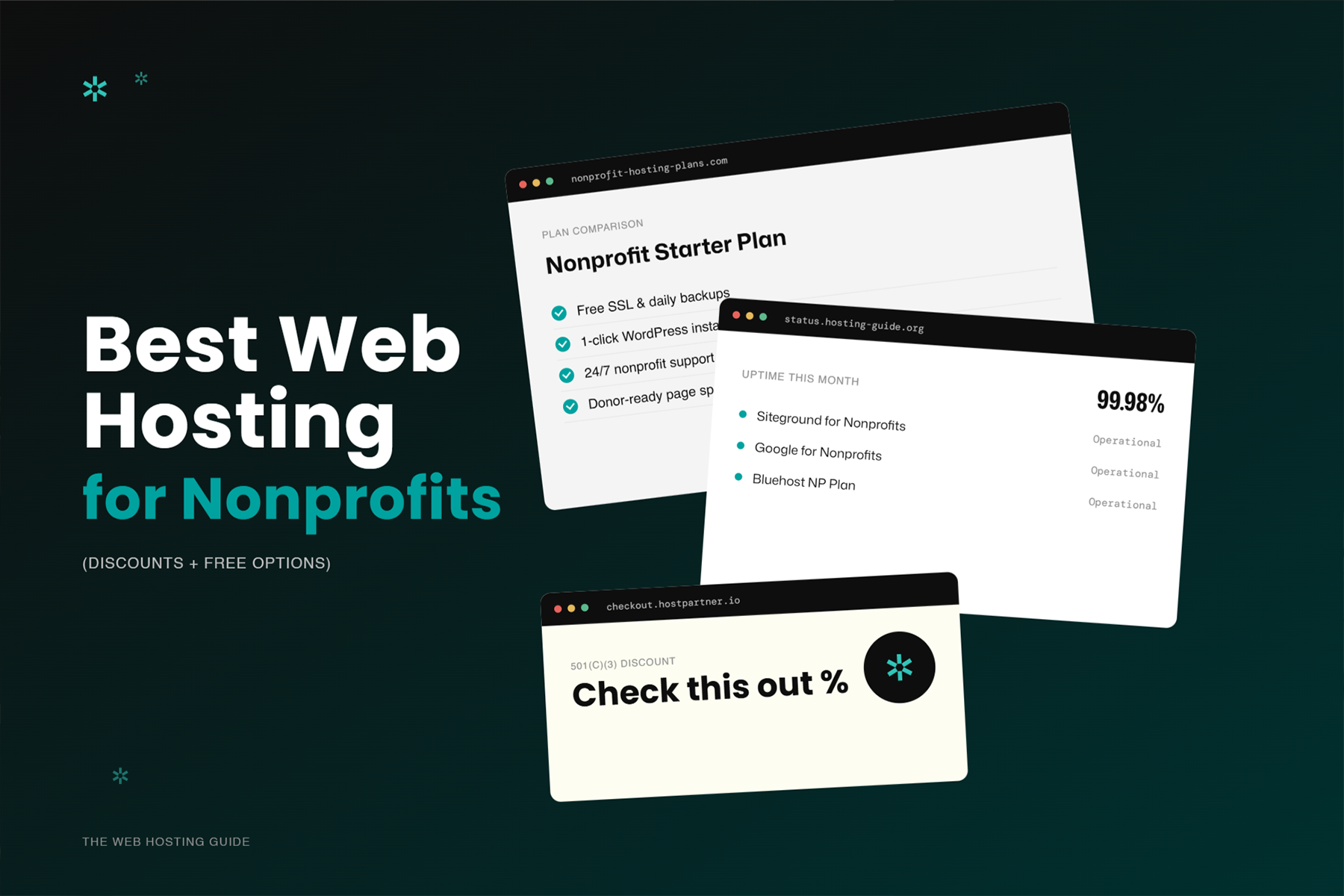
Web hosting is one of the less exciting parts of running a nonprofit website. It's also one of the most consequential: a slow or unreliable host is a direct drag on your mission.
The good news: nonprofits have access to significant discounts and even free hosting options that most commercial organizations don't. Here's how to find the right host, what to spend, and what to watch out for.
What Web Hosting Actually Means
Your website files: pages, images, code, databases: live on a server. Web hosting is the service of maintaining that server and keeping your site accessible to the internet.
The choice of hosting affects:
- Page load speed: Server response time is a significant component of overall load time
- Reliability / uptime: A host with poor infrastructure means outages (potentially during a campaign)
- Security: Your host's security practices affect your site's vulnerability to attacks
- Scalability: Can the hosting handle traffic spikes during campaigns?
- Cost: Monthly or annual fees, and whether nonprofit discounts are available
Types of Hosting
Shared hosting The most affordable option. Your site shares server resources with many other sites. Fast enough for low-traffic nonprofit sites. Not appropriate once you're receiving meaningful traffic volume.
Managed WordPress hosting WordPress-specific hosting with optimized configurations, automatic updates, daily backups, and security management handled by the host. Higher cost than shared but significantly better performance and less maintenance overhead.
VPS (Virtual Private Server) Your site gets dedicated resources on a shared physical server. More expensive than shared hosting, more reliable, more control. Appropriate for medium-to-large nonprofits.
Cloud hosting Infrastructure scales automatically based on demand. Ideal for campaigns that drive large, variable traffic spikes. Google Cloud, AWS, and similar platforms offer nonprofit credit programs.
Hosting Options and Discounts for Nonprofits
WP Engine (Managed WordPress)
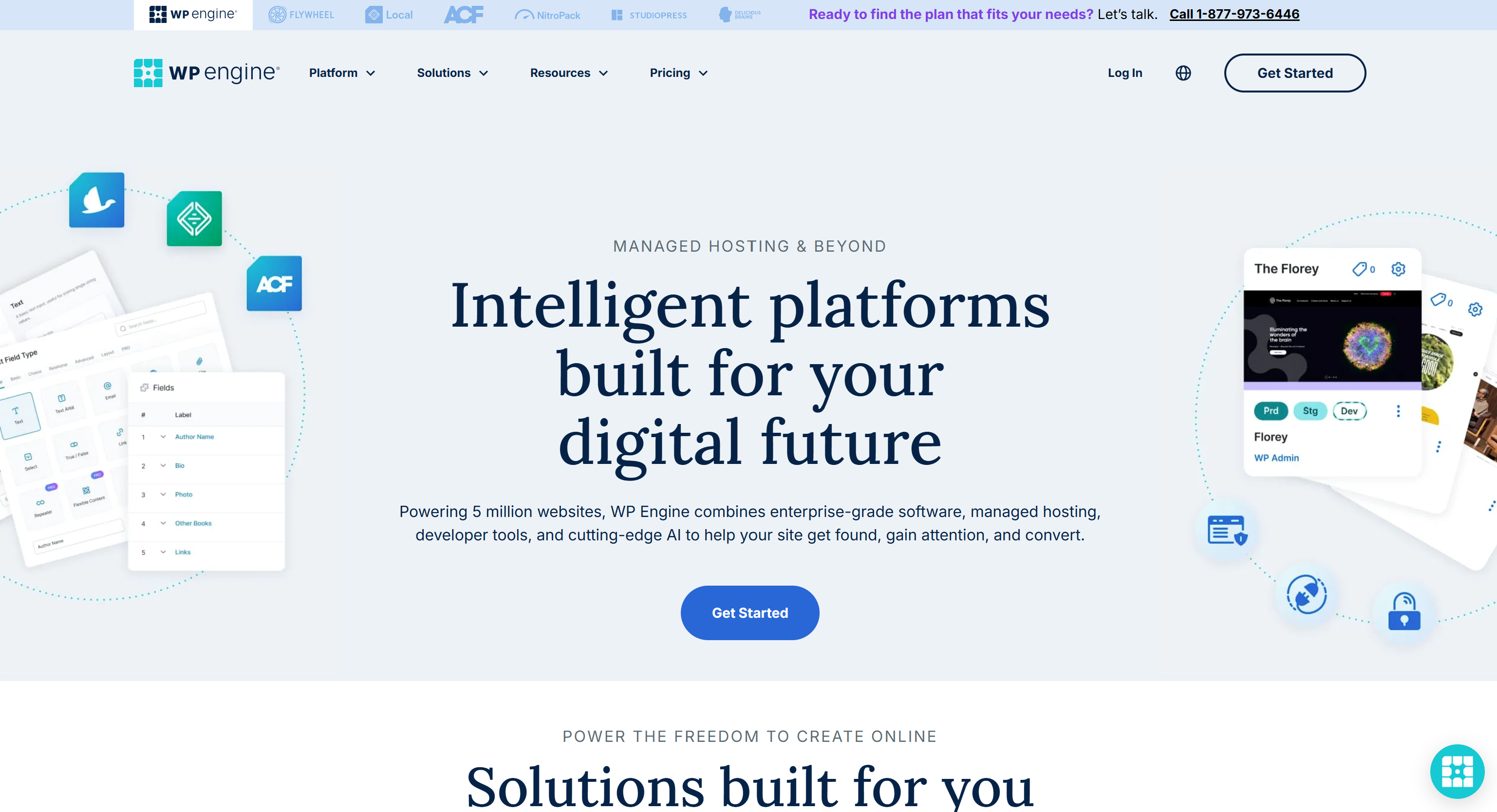
What it is: Premium managed WordPress hosting with outstanding performance, security, and support.
Why it's relevant for nonprofits: WP Engine offers a nonprofit discount program (~40% off) for verified 501(c)(3) organizations. The discount isn't self-serve — you'll need to contact their sales team directly with proof of nonprofit status. Performance is excellent: fast load times, reliable uptime, and hands-off infrastructure management.
Best for: Nonprofits serious about WordPress performance and site security who want hosting managed by experts rather than self-managing.
Cost: Check current pricing at wpengine.com and contact sales for the nonprofit rate.
SiteGround
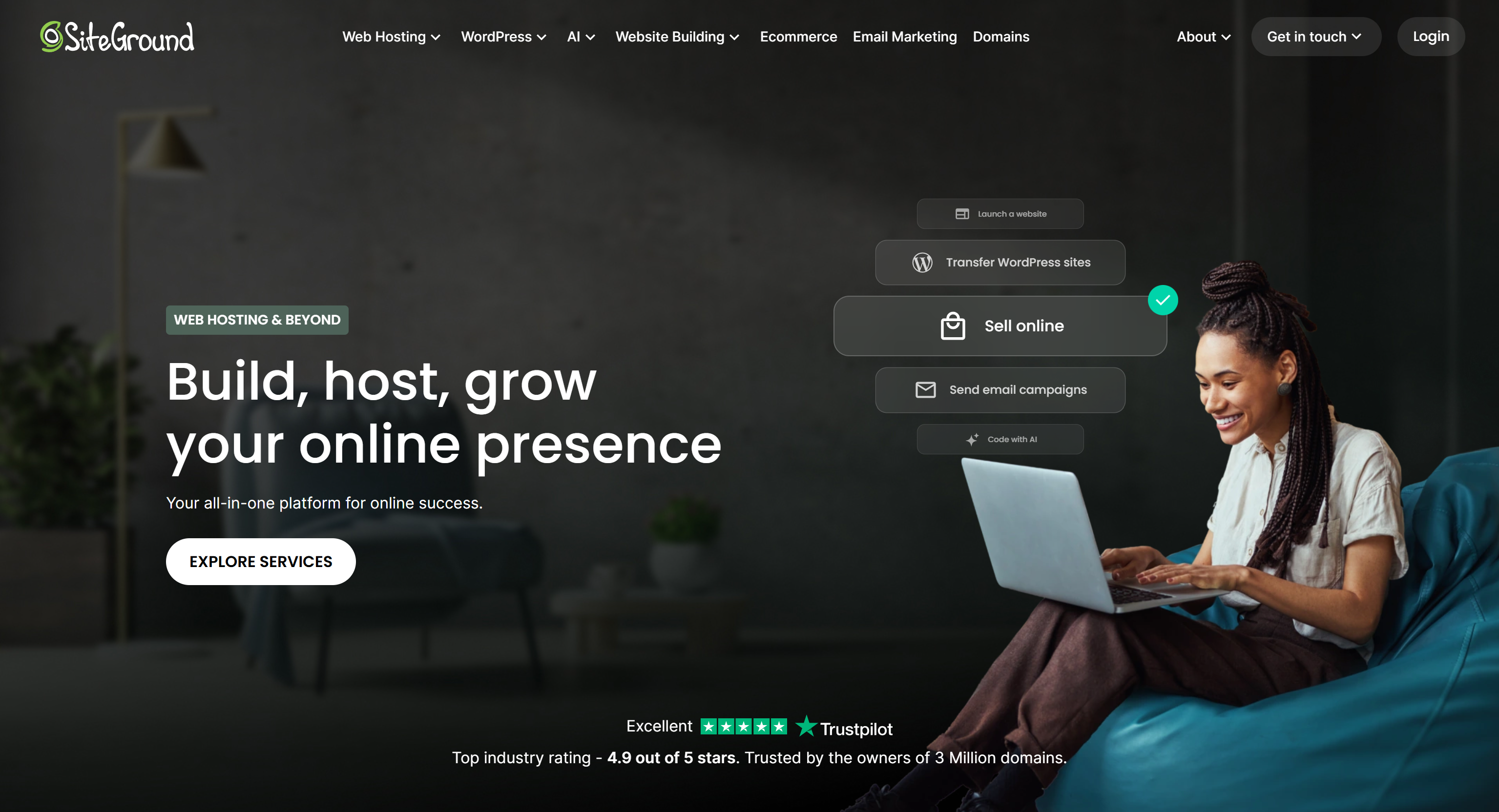
What it is: A well-regarded shared and managed WordPress host with strong performance for the price.
Why it matters: Consistent performance, good customer support, and WordPress-specific optimizations at a more accessible price point than WP Engine. SiteGround offers new-customer introductory discounts (typically 50-75% off first term) through their standard promotional pricing — not a dedicated nonprofit program, but the introductory pricing applies to nonprofits equally and makes it a genuinely affordable entry point.
Best for: Small-to-medium nonprofits on WordPress who want solid performance without enterprise pricing.
Cost: Typically $20–$50/month for managed WordPress plans at regular pricing; introductory rates are significantly lower for the first term.
Bluehost
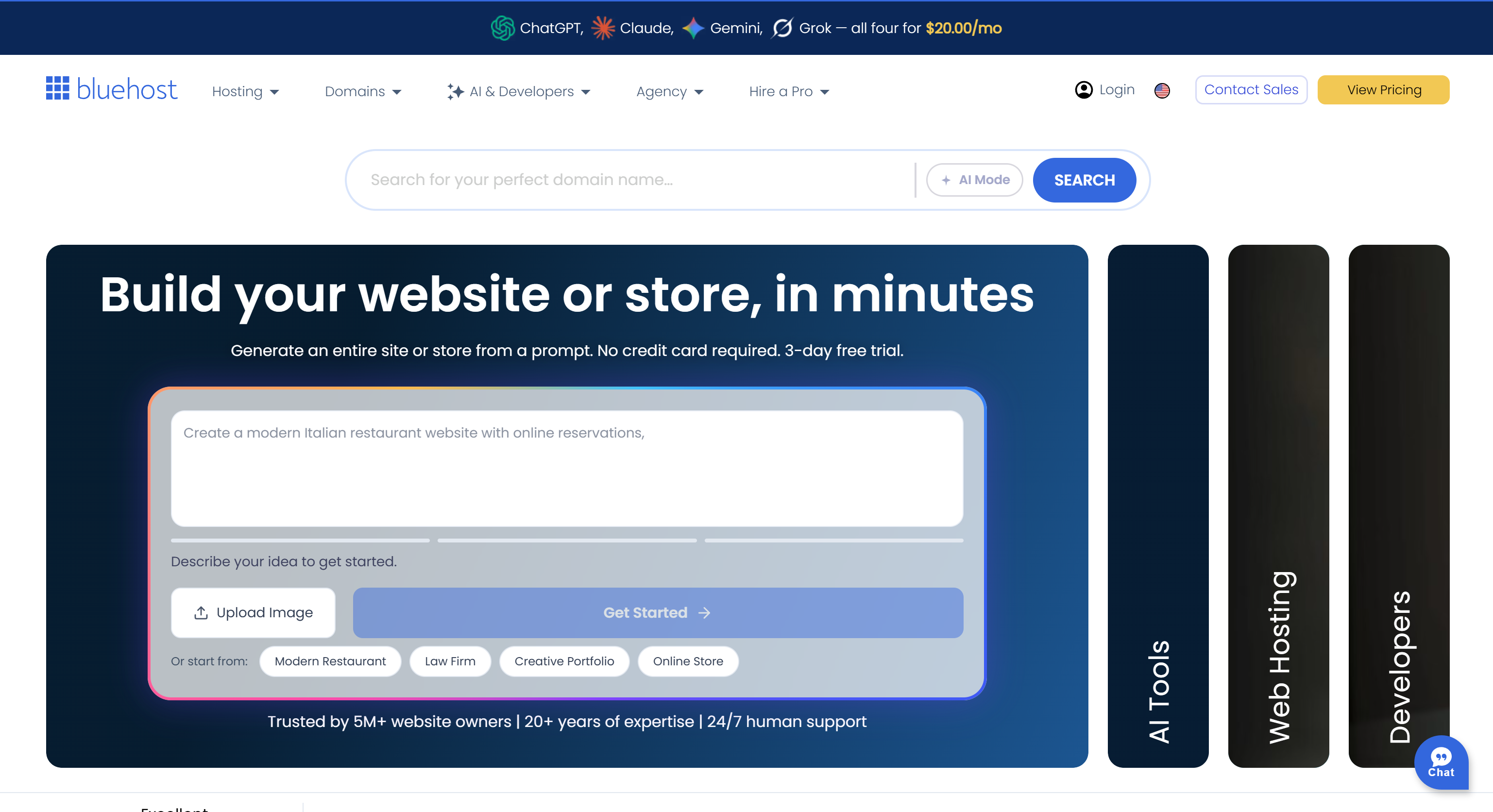
What it is: One of the most widely used shared hosts, officially recommended by WordPress.org.
Strengths: Affordable, beginner-friendly, one-click WordPress installation.
Limitations: Shared hosting means performance can be inconsistent during traffic spikes. Less performance-focused than WP Engine or SiteGround.
Best for: Very small nonprofits just getting online with minimal budget.
DreamHost
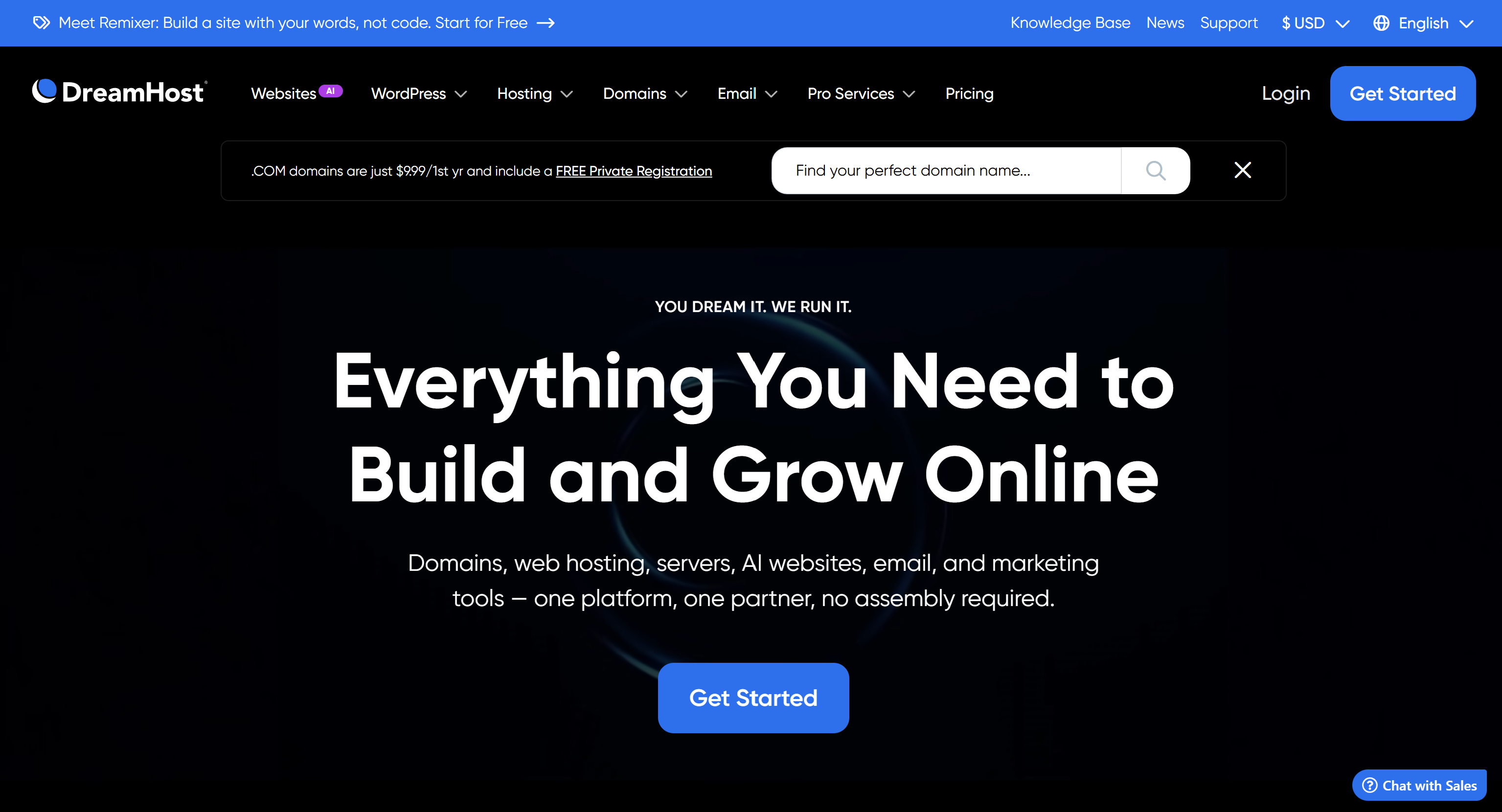
What it is: Well-established hosting provider with a documented nonprofit program.
Why it matters: DreamHost offers free shared hosting (including email hosting) for U.S.-registered 501(c)(3) and 501(c)(19) organizations. This is applied by contacting their support team with your determination letter — there's no dedicated self-serve landing page, but the program is real and actively maintained.
Best for: Small nonprofits that want to eliminate hosting costs entirely, particularly those already comfortable managing their own WordPress installation.
Google Cloud / Google for Nonprofits
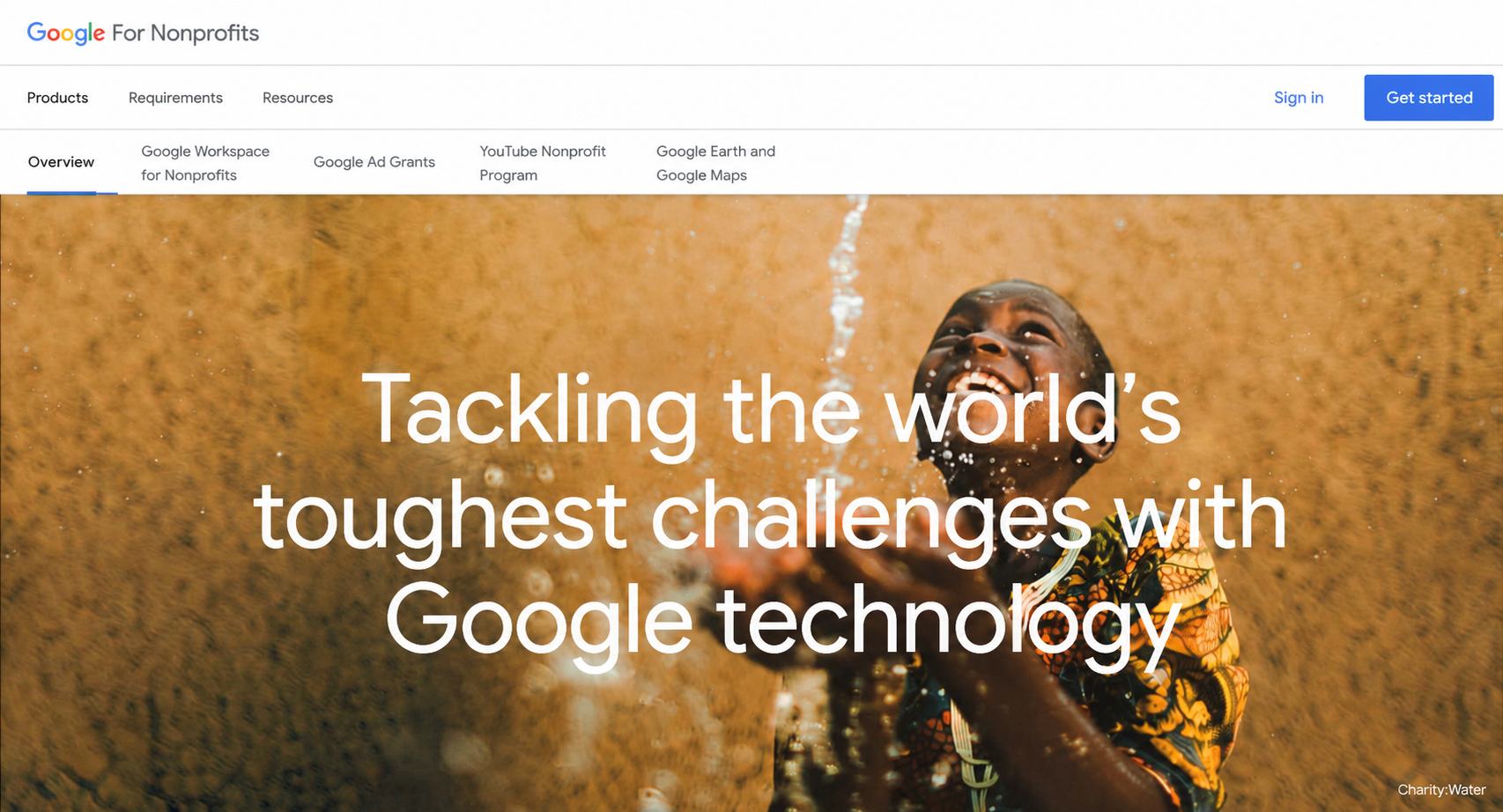
What it is: Google offers cloud hosting credits for eligible nonprofits through the Google for Nonprofits program.
Relevant for: Larger organizations with technical capacity for cloud infrastructure management. Not typically used for WordPress sites but relevant for custom application hosting.
How to apply: Through the Google for Nonprofits portal. Note that as of 2026, new applicants verify nonprofit status through Goodstack rather than TechSoup.
Free Options: What's Actually Usable
Netlify / GitHub Pages (free tier) Best for static sites or JAMstack architectures. Free tier is generous but requires technical knowledge. Not practical for most WordPress-based nonprofit sites.
WordPress.com (free tier) Technically free but includes platform branding, extremely limited functionality, and no plugin access on the free tier. Treat as a demo environment, not a production website. As of April 2026, even entry-level paid WordPress.com plans now include plugin access — making the paid tier a more capable option than it used to be.
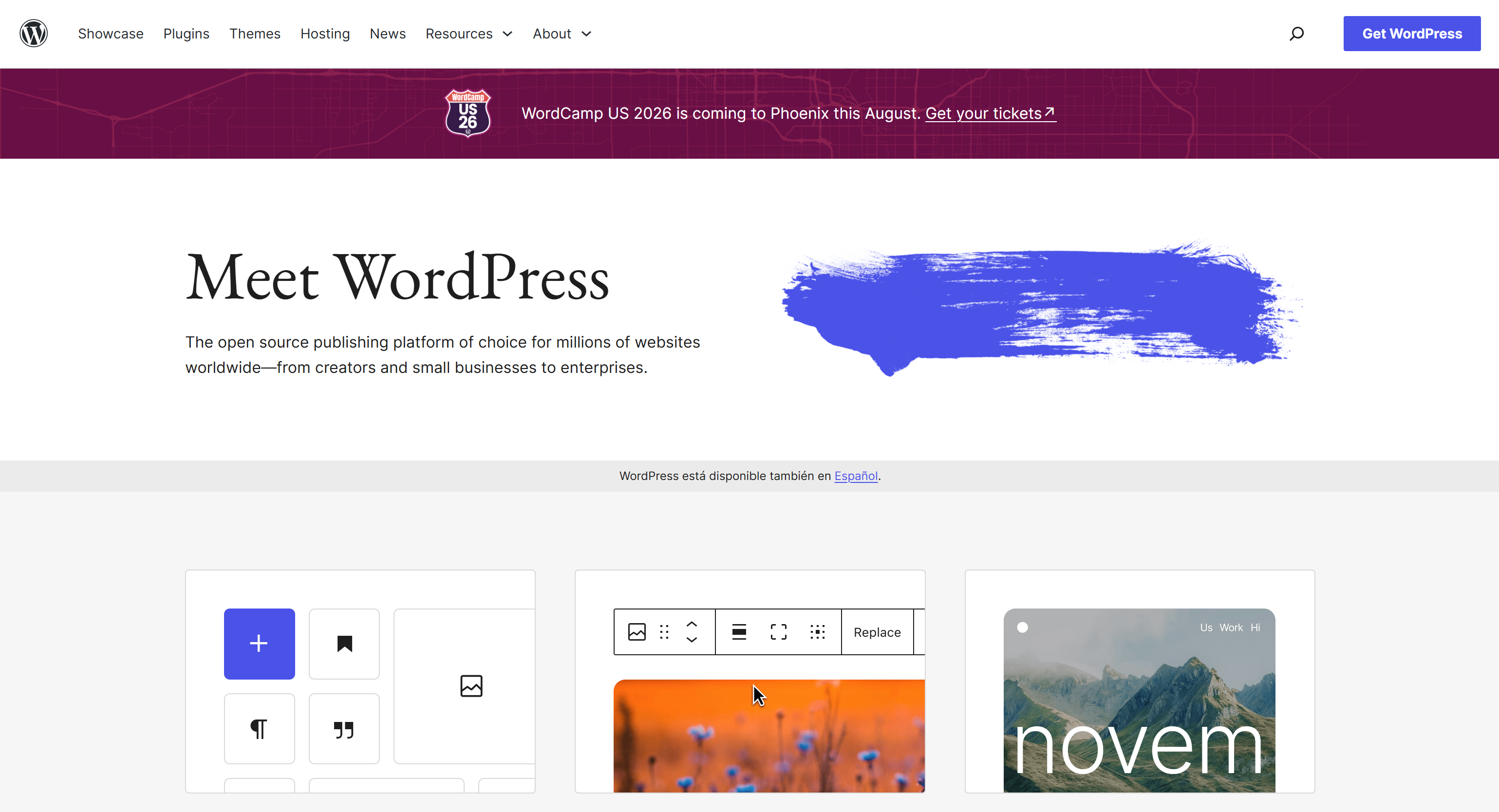
Honest assessment of free hosting: For an organization that's asking people to trust you with their donation, a free hosting tier with visible platform branding undermines credibility. The cost of a real domain and a paid hosting plan: as low as $5–$15/month: is worth it.
What to Look for When Evaluating a Host
Uptime SLA Look for a 99.9% uptime guarantee at minimum. That equates to under 9 hours of downtime per year.
Backup frequency and retention Daily automated backups with at least 30-day retention. Test the restore process before you need it.
SSL certificate included Most reputable hosts include free SSL (via Let's Encrypt). Non-negotiable: HTTPS is required for donation forms and for Google search ranking.
Staging environment A staging environment lets you test changes before pushing to production. Critical for sites that handle donations.
WordPress-specific support (if applicable) If you're on WordPress, hosting support that actually knows WordPress is worth paying for.
CDN included
A content delivery network serves your site from geographically distributed servers, reducing load times for visitors outside your primary geographic area. Cloudflare CDN is available for free through their generous free tier and can be added to almost any host.
Our Recommendation by Organization Size

A Note on Hosting and Site Speed
Hosting is one factor in site speed, but not the only one. We've seen poorly-optimized WordPress sites run slowly on excellent hosting, and lean, well-built sites run fast on budget hosting.
The full speed equation: hosting quality + image optimization + caching configuration + code efficiency + third-party script load. All of these are addressed in a properly-built nonprofit website.
Related: Nonprofit Website Maintenance: What It Costs and Why It Matters → · How to Build a Nonprofit Website on WordPress (Step-by-Step) →
The Hosting Decision Is Smaller Than You Think
In the full context of a nonprofit website investment, hosting is usually one of the smaller line items. The $25–$50/month difference between adequate and excellent hosting is trivial compared to the impact of a well-designed or poorly-designed site.
Make the hosting choice appropriately: don't underspend on infrastructure: then focus your real attention on what actually moves your mission: user research, conversion design, and ongoing content.
Book a free diagnostic to evaluate your current site setup →
Wandr recommends hosting, configures it correctly, and builds sites that perform on it. See our services →