UX design automation tools have matured significantly. A product team that knows how to use them well can compress timelines, reduce repetitive design work, and ship better products without proportionally increasing headcount. But the leaders who get the most out of these tools are the ones who understand where automation genuinely replaces manual work and where it creates the illusion of progress while producing something that needs to be rebuilt later. This post is a practical guide to what UX design automation tools can do, where their limits are, and how product teams at different stages should think about integrating them.

The Honest State of UX Design Automation in 2026
The conversation about AI replacing designers has been running for three years and has produced two camps: people who believe automation will eliminate design roles entirely, and people who believe human creativity is irreplaceable and AI is overhyped.
Both camps are wrong in ways that cost product teams time and money.
Automation has genuinely transformed the parts of design work that are repetitive, rule-based, and pattern-driven. Generating layout options, creating component variants, writing microcopy, building prototypes from wireframes, and conducting preliminary usability analysis are all tasks that took significantly more time in 2022 than they do now. Teams that are not using automation for these tasks are carrying unnecessary manual overhead.
At the same time, the design decisions that determine whether a product is adopted or abandoned, specifically the ones involving user psychology, organizational context, trust architecture, and the specific friction points that user research surfaces, are not automatable in any meaningful sense. They require judgment, and judgment requires understanding the people using the product in ways that tools cannot replicate from a prompt.
The product teams getting the most value from UX design automation are the ones who have drawn this line clearly and staffed accordingly.
What UX Design Automation Tools Can Genuinely Automate
Layout and Wireframe Generation
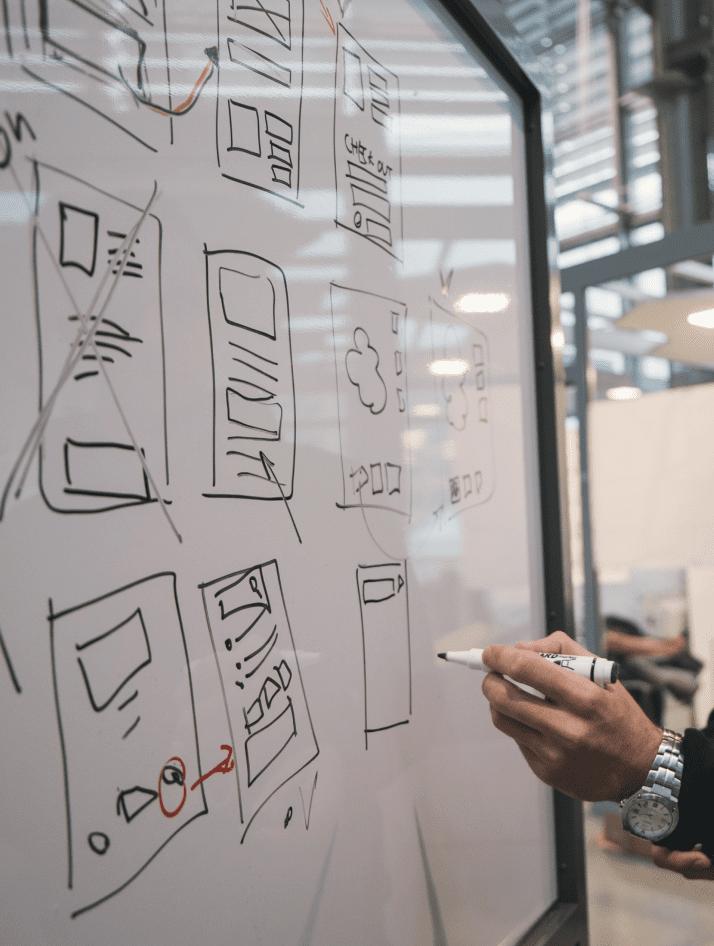
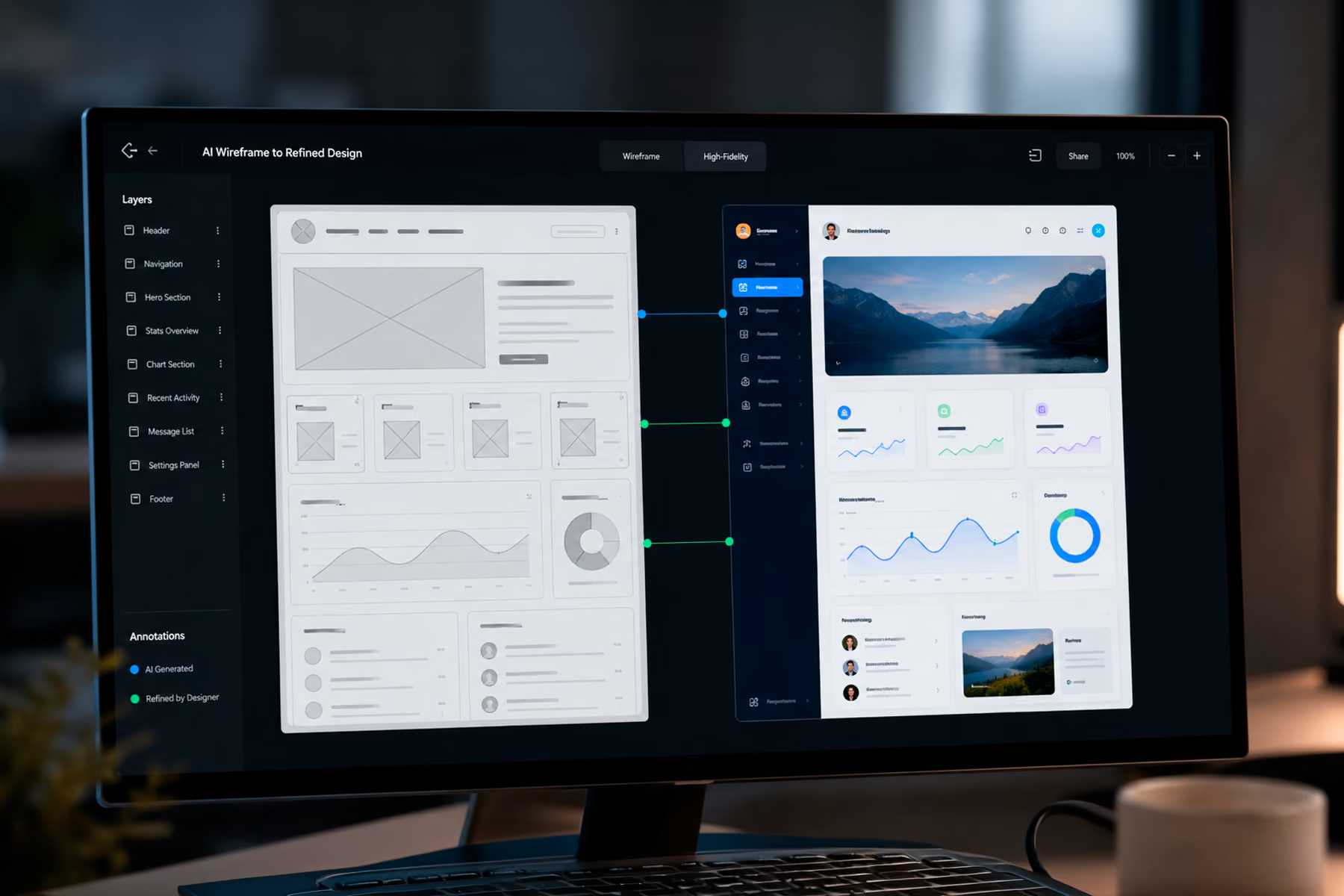
Tools like Relume and Galileo AI have changed the starting point for web and product design. A product leader who needs a homepage layout, a dashboard structure, or a set of landing page variants no longer needs a designer to spend two days building wireframes from scratch. A well-prompted generation takes minutes and produces a structural starting point that a designer or developer can refine.
The important word is starting point. Generated layouts reflect training data, which means they reflect patterns that already exist. They are useful for moving quickly from a blank canvas to something concrete. They are not useful for the parts of the design problem that require understanding how your specific users think about your specific product.
For teams at early stages who need to get something in front of users quickly, layout generation is one of the highest-leverage automation tools available. For teams refining a mature product, it is less useful because the design problem is not "what should this look like" but "why is this specific interaction failing and how do we fix it."
Component and Variant Generation
Figma AI has made component and variant generation significantly faster. Design systems that previously required a designer to manually create every button state, form variant, and modal configuration can now be expanded through AI-assisted generation. This is particularly useful for teams maintaining large design systems where the manual work of staying current with every component state was creating bottlenecks.
The constraint is quality control. Generated variants need to be reviewed against accessibility standards, design system tokens, and interaction specifications that the tool does not inherently understand. Teams that use AI generation without that review layer end up with design systems that look comprehensive but contain inconsistencies that surface during engineering implementation.
Prototyping From Static Designs
Tools like v0 have changed the relationship between design and code in ways that are practically significant for product teams. A designer or product manager can take a static design and generate a working front-end prototype without engineering involvement. For user testing, stakeholder reviews, and investor demos, this compresses timelines that previously required dedicated engineering sprints.
The gap between a v0 prototype and production-ready code is significant and should not be underestimated. The prototype demonstrates concept and interaction; it does not replace engineering. Teams that have used AI-generated code in production without engineering review have uniformly encountered technical debt that cost more to fix than the timeline savings were worth.
Visual Asset Generation
Midjourney and similar tools have changed the cost structure of visual content for product design. Mood boards, illustration concepts, background imagery, and marketing visuals that previously required a dedicated visual designer or stock photography licensing can now be generated in minutes. For early-stage products that need visual credibility before they have a brand system, this is a genuine capability shift.
The constraint here is brand consistency and legal clarity around generated imagery. Teams using AI-generated visuals in production need a clear policy about what generated content is acceptable and how it will be distinguished from purpose-built brand assets as the brand matures.
Microcopy and UX Writing
AI writing tools have compressed the time required to generate button labels, error messages, onboarding copy, empty state text, and notification content. For teams without a dedicated UX writer, this is a meaningful improvement over the alternative of engineers or product managers writing microcopy without UX training.
The constraint is voice and tone consistency. Generated microcopy that has not been reviewed against a brand voice guideline will be technically correct and experientially generic. It will not sound like the product has a distinct personality, which matters more than most product teams realize until they start losing users to competitors whose product voice feels more human.
Where UX Design Automation Does Not Work
Understanding where automation fails is at least as important as understanding where it succeeds, because the failures are expensive.
User research cannot be automated. Tools that generate synthetic user personas, simulate user testing, or predict user behavior from historical data are useful for hypothesis generation. They are not substitutes for talking to real users. Every product team that has skipped user research in favor of AI-generated insights has eventually discovered a fundamental misunderstanding about their users that the AI confidently replicated from incorrect assumptions.

Trust architecture requires human judgment. In any product where users are making high-stakes decisions, such as financial products, healthcare interfaces, enterprise software with significant implementation risk, the design decisions that determine whether users trust the interface cannot be delegated to automation. These decisions require understanding the specific context, the specific user psychology, and the specific organizational dynamics of the deployment environment. No tool has this context.
Competitive differentiation cannot be generated. An AI tool trained on existing design patterns will produce designs that look like existing products. If the goal is to design something that stands out from competitors in a saturated market, generation tools are actively counterproductive. They produce the average of what already exists, which is the opposite of differentiation.
Design system governance is a human problem. AI can generate components, but it cannot govern how those components should evolve, how breaking changes should be communicated, or how to resolve conflicts when two teams need the same component to behave differently. These are organizational decisions that require human accountability.
How to Structure a Design Process Around Automation
The product teams getting the most value from UX design automation have restructured their design process rather than bolting automation onto an existing process.
The structure that works divides design work into two categories: definition work and execution work.
Definition work covers the decisions that cannot be automated: user research, problem framing, information architecture, trust architecture, and design strategy. This is the work that determines what the product needs to accomplish for which users in which context. It requires human judgment and typically requires significantly less time than execution work, but it produces the specification that makes execution work correct rather than merely fast.
Execution work covers the decisions that can be accelerated by automation: layout generation, component creation, visual asset production, prototype generation, and copy drafting. With a clear definition in hand, execution work can be dramatically compressed using the tools described above.
Teams that skip definition work and go straight to execution with automation tools produce things quickly that need to be rebuilt. Teams that do definition work thoroughly and then use automation for execution produce things quickly that hold up.
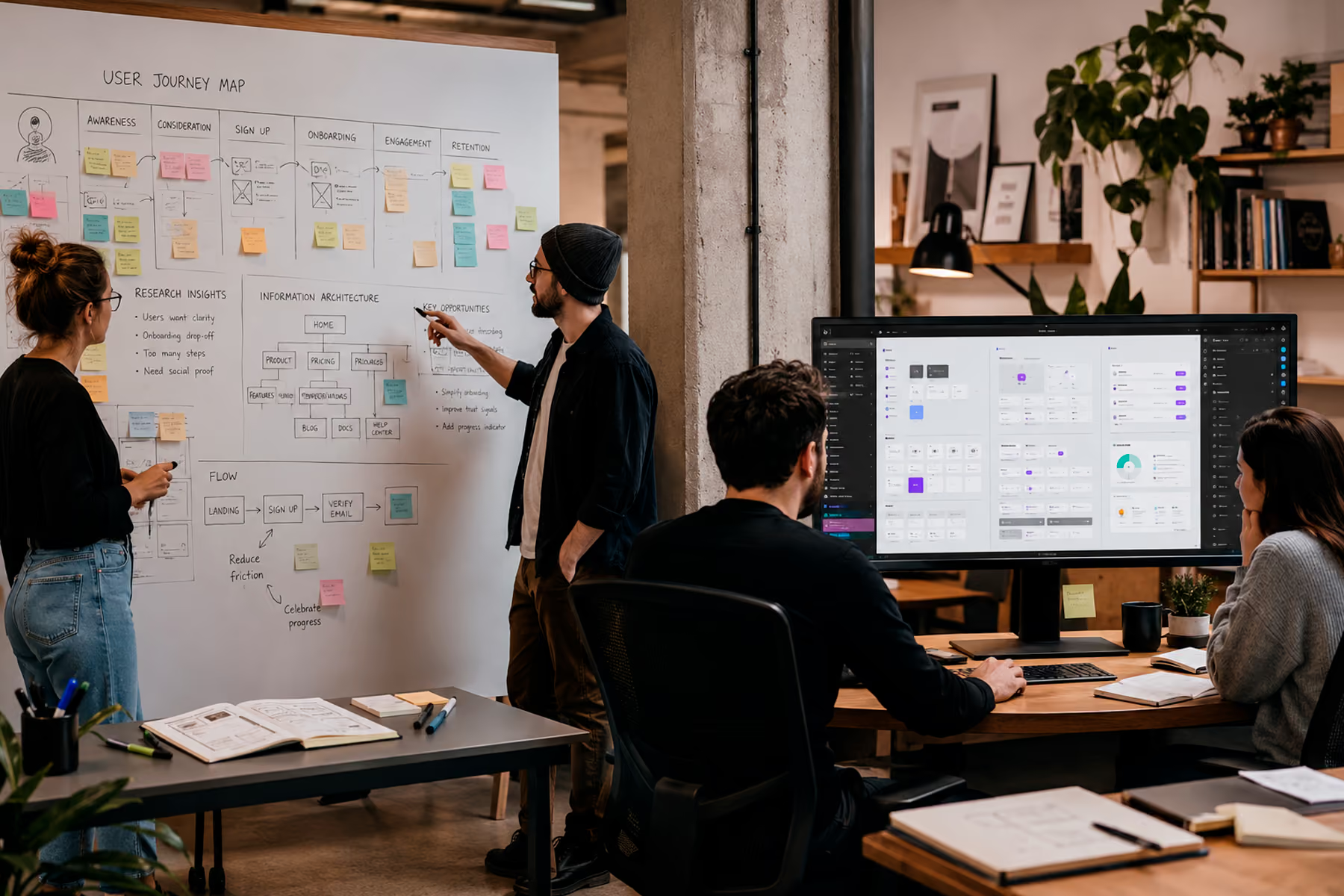
The Hybrid Model: When to Automate and When to Hire
For CPOs and VPs of Product making staffing and tooling decisions, the practical question is not whether to automate but which design problems require a human and which do not.
The design problems that require human expertise are the ones with high organizational complexity, high user research requirements, or high stakes for getting wrong. A product entering a regulated market, a redesign that needs to maintain trust with an existing user base, or a new product in a category where user psychology is not well understood all fall into this category. Automation tools will not save money on these problems. They will cost more if they substitute for the human judgment the problems require.
The design problems that benefit most from automation are the ones that are well-defined, pattern-consistent, and low-stakes to iterate. Landing pages, marketing site layouts, component variants, and early-stage prototypes for internal testing are all good candidates for automation-heavy approaches.
Most product teams have both types of problems. The staffing and tooling decision is about matching the right approach to the right problem rather than choosing automation or humans across the board.

Final Thoughts
UX design automation tools have created genuine efficiency gains for product teams that know how to use them. The gains are real in the parts of design work that are repetitive and pattern-driven. They are not real in the parts of design work that require understanding the specific humans using a specific product in a specific context.
The product leaders who are getting the most out of automation are the ones who have drawn that line explicitly, staffed the human side of it correctly, and used automation to compress timelines on the execution side without cutting corners on definition.
That balance is not a set-and-forget decision. The tools are evolving quickly enough that the line between what can and cannot be automated is shifting, and the teams that stay ahead of it are the ones treating tooling decisions as ongoing strategic decisions rather than one-time implementations.
Want Help Setting Up a Hybrid Design Process That Uses Automation the Right Way?
Wandr helps product teams design and implement workflows that combine AI tools with strategic design expertise. Whether you need help identifying where automation genuinely saves time in your specific product context, building a design system that integrates with AI generation tools, or taking on the high-judgment design work that automation cannot do, schedule a free consultation with our team and let us show you what is possible.