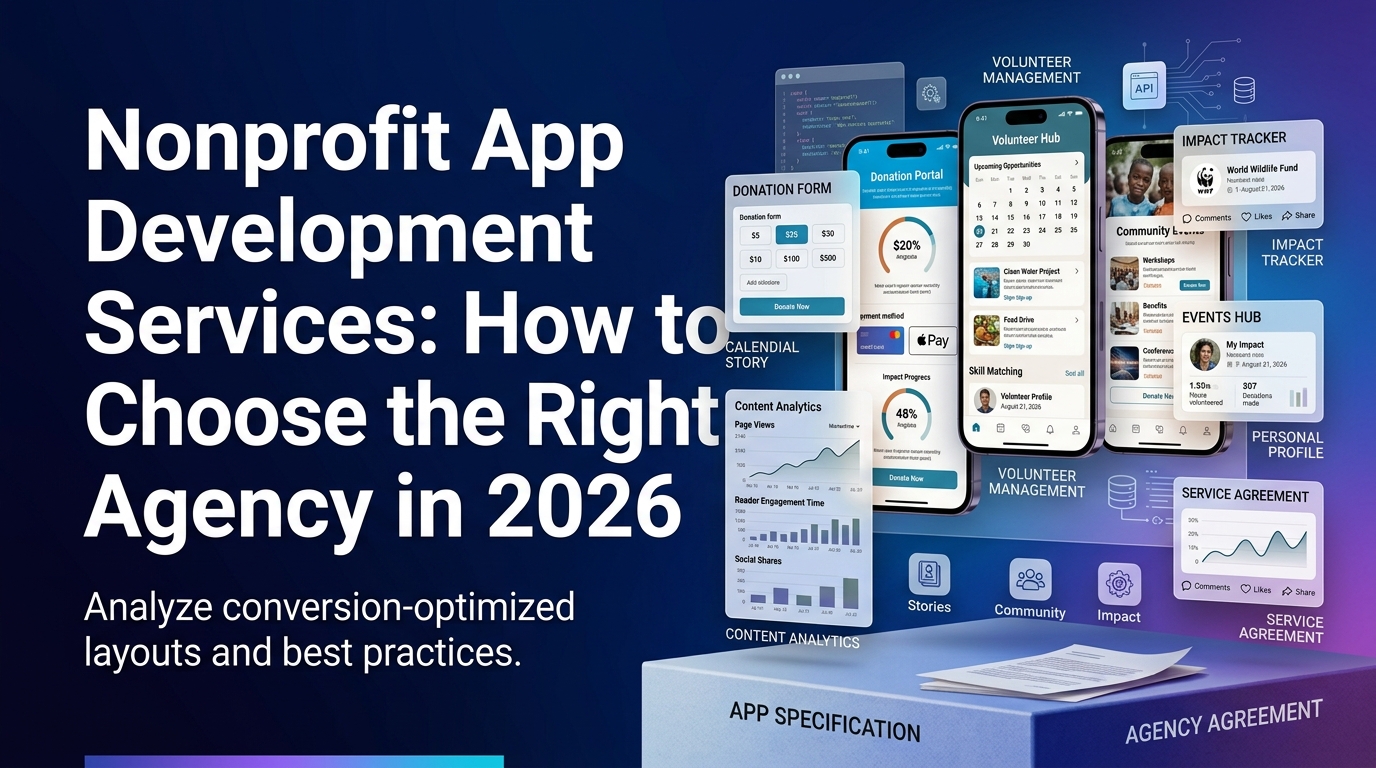

Nonprofit app development has a history of expensive disappointments. Organizations invest significant resources in apps that launch, get a burst of downloads, and then quietly stop being used six months later.
Almost always, the post-mortem reveals the same things: the app was built before anyone properly validated that users wanted it, the problem it solved wasn't compelling enough to sustain habitual use, or it was built to spec rather than built to real user behavior.
This guide is about how to avoid those outcomes.
Before You Build Anything: Validate the Problem
The most expensive decision in nonprofit app development is to start building before you've validated that users will actually use what you build.
User validation doesn't need to be expensive or time-consuming. A few conversations with real potential users, asking specific questions about how they currently do what you want the app to do, what frustrates them about it, and whether your proposed solution sounds like it would actually solve their problem: this takes days, not months, and it prevents much larger mistakes.
Questions to answer before committing to development:
Is there a clear, specific problem a website can't solve?
Push notifications, offline functionality, location features, sustained daily engagement: these are cases where native apps provide genuine advantage. General information delivery, one-time donations, event registration: these are cases where a well-built mobile website is usually sufficient.
Are users willing to download an app for this?
An app store download adds friction. Users download apps they expect to use regularly. If your use case is inherently occasional (annual gala tickets, quarterly newsletters), users won't download or keep your app.
Do you have the capacity to maintain it?
An app requires ongoing maintenance: OS updates, bug fixes, feature additions based on user feedback. If there's no realistic path to ongoing maintenance after initial development, the investment will decay.
Define Your User Types and Their Core Actions
Same principle as website development: don't design for everyone, design for the four most important user types with clear, specific actions for each.
For a volunteer management app, that might be:
- Active volunteers: Check schedule, check in to shifts, communicate with coordinators
- Prospective volunteers: Discover opportunities, apply, get onboarded
- Volunteer coordinators: Post opportunities, manage applications, communicate with volunteers
- Program managers: Review volunteer impact data, coordinate with coordinators
Each of these users has a primary job to do. The app should make that job as easy as possible. Features that serve none of these core jobs are scope additions to evaluate critically.
Choose the Right Platform Approach
Native (iOS + Android separately)
Best performance and fullest access to device capabilities. Highest development cost and highest ongoing maintenance burden: you're essentially building and maintaining two separate apps.
Most appropriate for: apps where performance or device integration is critical enough to justify the premium.
Cross-platform (React Native or Flutter)
Single codebase deployed to both iOS and Android. Good performance. Lower development and maintenance cost than dual native. This is the right choice for most nonprofit apps.
Most appropriate for: the majority of nonprofit app use cases where near-native performance is sufficient.
Progressive Web App (PWA)
A web application that behaves like a native app: installable on home screen, can use push notifications, can work offline to a limited extent. Significant cost advantage; no App Store submission required.
Most appropriate for: organizations with tight budgets and use cases that don't require deep device integration.
Our typical recommendation for nonprofit apps: cross-platform development (React Native or Flutter) for organizations with multi-feature requirements and meaningful expected usage; PWA for simpler use cases or proof-of-concept validation before committing to native development.
The Development Process: What Good Looks Like
Phase 1: Discovery and User Research (2–4 weeks)
Interview real users. Map their existing workflows. Understand what they need the app to do, how frequently they'll use it, and what would cause them to stop using it.
Audit existing solutions: what are users doing now? What are the workarounds? The workaround is usually your best indicator of unmet need.
Define success metrics: What does a successful app look like in 12 months? How many active users? What key actions per user per month? These metrics guide every subsequent decision.
Phase 2: Architecture and Flow Design (2–3 weeks)
Map every user's primary flows from app open to completed action. Keep it lean: every screen is a potential exit point.
Technical architecture decisions: backend infrastructure, database, API design, third-party integrations (CRM, donation platform, email, analytics). Getting architecture right before development starts is dramatically cheaper than changing it mid-build.
Phase 3: Design (3–4 weeks)
Mobile-first, accessible design. Every tap target meets minimum size requirements. Navigation is thumb-friendly. Onboarding is clear and low-friction.
Prototype testing with real users before development begins. Discovering that a core flow doesn't make sense to users during design is far less expensive than discovering it after development.
Phase 4: Development (8–16 weeks depending on scope)
Agile development in two-week sprints with working software delivered at the end of each sprint. This allows course correction based on what you see, rather than discovering problems only at launch.
Integration development (connecting to CRM, donation platform, analytics) should happen in parallel with front-end development, not sequentially.
Phase 5: Testing (2–3 weeks)
QA testing across devices and OS versions. Accessibility testing. Performance testing under load. User acceptance testing with real users completing real tasks.
App Store submission review periods: Apple App Store typically takes 1-3 days for review; Google Play Store typically takes several hours to a few days. Plan for potential rejection and revision cycles.
Phase 6: Launch and Post-Launch (Ongoing)
Soft launch (limited release) before full public launch when possible: allows you to catch issues with lower stakes.
Post-launch monitoring: daily active users, retention cohorts, crash reports, user feedback. The data from the first 30 days post-launch is particularly valuable for identifying the highest-priority improvements.
Integration: What Your App Needs to Connect To
Most nonprofit apps need to connect to existing systems. Planned, well-executed integration is what separates apps that feel cohesive from apps that feel like a standalone tool bolted onto an existing ecosystem.
Common nonprofit app integrations:
CRM (Salesforce Nonprofit, Bloomerang, etc.): Sync donor and volunteer data bidirectionally
Donation platforms (Fundraise Up, Donorbox): In-app giving with proper attribution
Email marketing (Mailchimp, Constant Contact): Sync email preferences and engagement data
Analytics (GA4, Amplitude, Mixpanel): User behavior data and conversion tracking
Push notification services (Firebase Cloud Messaging): Reliable cross-platform notification delivery
The donation-platform layer deserves particular attention, because it is where a gift is actually completed. WANDR designed and built the donor-facing flow for GiveSmart, a widely used mobile fundraising and auction platform, so we approach these integrations from the giver's side of the screen, not only the API.
Integration complexity is a primary driver of development cost. Be clear about which integrations are essential for launch versus which can be added post-launch.
Budget Reality Check
App complexityEstimated costTimelineSimple (PWA, 1-2 core features)$15K: $25K2-3 monthsMid-range (cross-platform, 3-5 features, 2 user types)$35K: $60K4-6 monthsComplex platform (multi-feature, integrations, 3-4 user types)$60K: $100K+6-12 months
Annual maintenance costs: plan for 15-25% of initial development cost per year for ongoing maintenance, bug fixes, and minor feature additions.
These numbers assume a quality development process with user research, design, and testing built in. Cheaper quotes typically reflect shortcuts in one or more of those phases: which is usually how you end up with an app nobody uses.
When to Hire an Agency vs. Build In-House
Hire an agency when:
- You don't have in-house mobile development expertise
- You need to move faster than hiring allows
- The app is a critical platform requiring high quality execution
- You need design expertise alongside development
Build in-house when:
- You have existing mobile engineering capacity
- The app is an ongoing platform that will require continuous development long-term
- You want organizational ownership of the technical knowledge
Most nonprofits fall into the first category. For organizations that want to develop in-house capability over time, a common pattern is engaging an agency for the initial build with knowledge transfer and training built into the engagement.
What This Looks Like in Practice
This validate-first approach is exactly how WANDR's MVP development service works, and two projects in this space show it. The Grace Rose Foundation's Checkout app went from a founder's idea to a researched, user-tested prototype and an investor-ready pitch in under five weeks, without building the app first. DonateHello, a donation platform, was designed and prototyped the same way, so its team could validate the experience and raise on the strength of a working prototype. In both cases the MVP existed to learn whether the product was right before committing to full development, an earlier-stage investment that sits well below the cost of building the finished app.
The Bottom Line
Building a mobile app for your nonprofit is a meaningful investment. Done right, it creates a direct, sustained engagement channel with your most important users. Done wrong, it's a significant cost with low ROI.
The difference between those outcomes is almost always made in the two or three months before development begins: in the quality of user research, the clarity of the problem definition, and the rigor of the design process.
Talk to us about whether an app is right for your nonprofit →
Wandr Studio. App development that starts with why. See our nonprofit services →
Related WANDR case studies: Grace Rose Foundation · DonateHello · Mercy For Animals