What Webflow Actually Is
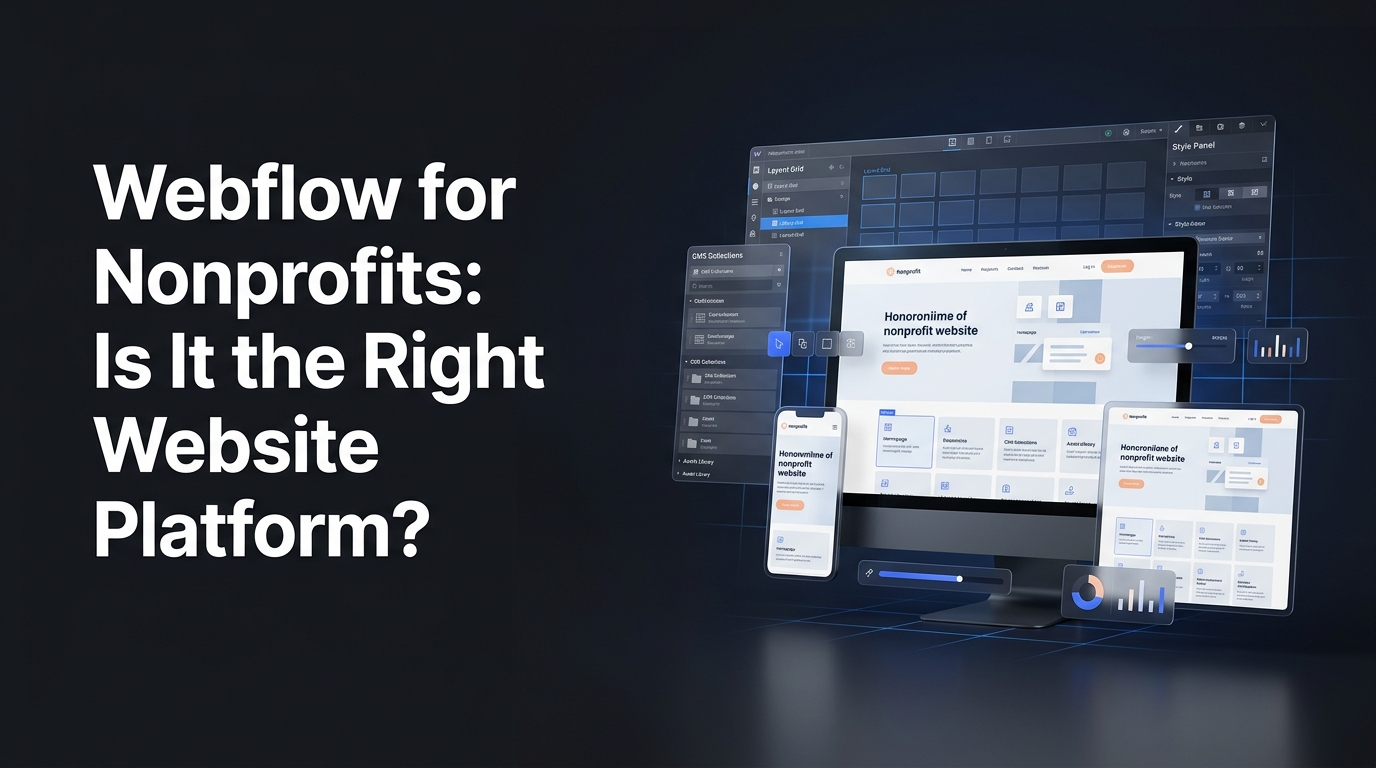
Webflow is a visual web design tool that lets designers build custom websites without writing traditional code. It generates clean HTML, CSS, and JavaScript from visual design decisions, and it includes a content management system (CMS) that lets non-technical team members update content after launch.
What makes it different from WordPress or Squarespace: the design control is closer to a hand-coded site than a template-based platform. A skilled Webflow designer can build almost anything visually without being constrained by theme limitations. The output is typically fast, semantically clean, and accessible when built correctly.
It's not a DIY platform in the way Wix or Squarespace is. Building in Webflow without design or development experience is genuinely difficult. But in the hands of someone who knows it, it produces excellent results.
Why Webflow Is Worth Considering for Nonprofits
Design quality without a full custom development stack
For nonprofits that care deeply about their visual brand: arts organizations, cultural institutions, advocacy groups with strong design identities: Webflow allows design-quality sites without building from scratch in pure code. A skilled Webflow designer produces results that rival hand-coded sites at lower total cost.
Fast, clean output
Webflow generates lean code. Compared to a bloated WordPress installation with twenty plugins, a well-built Webflow site is typically faster. Page speed matters for SEO, for user experience, and directly for donation conversion. Every second of additional load time reduces the probability of a completed gift.
Strong CMS for content-heavy organizations
Webflow's CMS is well-suited to organizations that publish frequently: blog posts, campaign pages, event listings, resource libraries. Content managers can update and publish without touching design files. The CMS supports complex content structures that page builders can't.
Clean hosting infrastructure
Webflow's hosting is managed by Webflow: your team doesn't manage server security, plugin updates, or backups. For organizations without dedicated technical staff, this removes a real ongoing maintenance burden.
Where Webflow Falls Short for Nonprofits
Donation platform integration is less turnkey than WordPress
WordPress has purpose-built donation plugins: GiveWP, Charitable: that integrate natively. Webflow doesn't have a comparable native solution. Integration with Fundraise Up, Givebutter, or Donorbox is handled via embed code or JavaScript. This works fine when built correctly, but requires more technical sophistication than a WordPress plugin.
For nonprofits with complex donation needs: recurring programs, peer-to-peer fundraising, multi-campaign management: this matters. It's solvable, but it requires a developer who knows what they're doing.
Steeper learning curve for content managers
Webflow's editor is clean, but it's less familiar than WordPress, which most marketing and communications staff have encountered before. Onboarding time for your team is real and should be factored into the decision.
Higher hosting cost than comparable WordPress hosting
Webflow hosting plans run higher than basic WordPress hosting. For CMS sites, the Business plan is roughly $36/month at standard pricing. Not prohibitive, but worth including in total cost of ownership calculations.
No plugin ecosystem
WordPress has plugins for almost everything. Webflow doesn't. When a nonprofit needs a specific integration: a CRM, a volunteer management system, a membership portal: WordPress almost always has a native path. Webflow requires custom development work.
The Real Question: What Does Your Organization Actually Need?
Here's how we approach this at WANDR. The platform decision should follow the needs assessment, not the other way around.
Webflow tends to be the right choice when:
- Design quality is a primary priority (arts, cultural, brand-forward organizations)
- The organization has or will have a developer relationship for ongoing support
- Content publishing volume is high and the CMS needs to support complex content types
- The existing site is so technically degraded that starting fresh makes more sense than rebuilding
- Page performance is a priority and the current WordPress setup can't be adequately optimized
WordPress tends to be the right choice when:
- The organization has existing WordPress familiarity internally or in their network
- Donation integration complexity is high
- Budget is constrained (larger developer pool keeps costs competitive)
- Ongoing maintainability with a broad pool of future developers matters
The honest answer: most of our nonprofit clients are on WordPress, and for most nonprofit use cases, WordPress is still the right call. When we recommend Webflow, it's because the specific requirements make it a better fit: not because it's newer.
Webflow and SEO: What Nonprofits Need to Know
Webflow is strong for SEO when used correctly. Every page gets configurable meta titles and descriptions, clean URL structures are straightforward, page performance is good out of the box, and the code output is semantic.
What to watch for: Webflow's JavaScript rendering can create issues with certain SEO configurations if not handled carefully. Work with someone who has done multiple Webflow SEO setups, not just someone who designs in Webflow.
For content migration to Webflow: the same principles apply as any migration. Every URL that changes needs a 301 redirect. The sitemap needs resubmission to Google Search Console. The first 90 days post-migration require active monitoring.
WANDR has executed nonprofit platform migrations with over 90% SEO preservation. The discipline that achieves that result is the same regardless of destination platform.
→ Read how we handled migration for Mercy For Animals
Webflow's Nonprofit Program
Webflow has historically offered discounts for nonprofits through its Webflow for Good program. Eligibility and current terms vary: verify directly with Webflow before committing.
At standard pricing, the plans most relevant to nonprofits:
- CMS plan: ~$23/month (up to 2,000 CMS items)
- Business plan: ~$36/month (up to 10,000 CMS items)
These are hosting costs only: separate from design and development.
What a Webflow Nonprofit Engagement Looks Like with WANDR
WANDR builds in both WordPress and Webflow. When Webflow is the right platform for a client, the process is the same as always:
Discovery and user research first. We don't design until we understand who the users are and what each of them needs to do. Platform choice doesn't change this.
Information architecture and flows. Mapped before touching Webflow's designer.
Design and build. Webflow enables tighter collaboration between design and development: often the same person, which reduces translation loss and improves fidelity.
Donation platform integration. Whichever platform the client uses: Fundraise Up, Givebutter, Donorbox: fully integrated with analytics tracking from day one.
SEO and analytics. Meta configurations, sitemap submission to Search Console, GA4 conversion tracking: all set before launch.
Post-launch support. Three months of monitoring, analytics review, and optimization.
Same commitment as always: meaningful improvement in your key metrics within year one of launch, or we work until you see it.
→ Book a Free Nonprofit Website Diagnostic
The Bottom Line
Webflow is an excellent platform for nonprofits with the right profile: design-forward organizations, content-heavy publishers, organizations with developer relationships, and those moving off technically degraded sites that need a clean foundation.
It's not the right choice when donation integration complexity is high, internal technical capacity is limited, or where the WordPress ecosystem offers direct advantages for specific needs.
Platform is the last decision in the process, not the first. Start with who your users are, what they need, and what success looks like. The right platform follows from there.
WANDR Studio is a woman-owned design, development, and strategy agency that has generated $3.2M+ in additional donations across 15+ nonprofit engagements. We build in both WordPress and Webflow: whichever is right for your mission.
→ Related reading: WordPress for Nonprofits: Pros, Cons, and When to Go Custom | Nonprofit Website Builder vs. Custom Design | How Much Does a Nonprofit Website Cost?
Related WANDR case studies: WWF-Canada · Mercy For Animals · CEED Global
Planning a nonprofit website project? Explore WANDR's nonprofit web design services →