

It's one of the first decisions any nonprofit faces when it's time to build or rebuild a website: do we use a website builder, or do we invest in a custom design?
The wrong answer costs money. The right answer depends entirely on where your organization is: and where you're trying to go.

We're going to be honest with you here, because this is a question we get asked regularly. Wandr is a custom design and development studio. We build nonprofit websites from the ground up. And we'll still tell you: for some nonprofits, a website builder is the right choice: at least for now.
Here's how to figure out which category you're in.
What "Website Builder" Actually Means in 2026
Website builders have come a long way. The major platforms: Squarespace, Wix, WordPress with a page builder, Webflow: offer templates and drag-and-drop tools that can produce a professional-looking result without a developer.
For nonprofits specifically, some builders have nonprofit-focused features baked in: donation integrations, event management, email sign-up, and volunteer forms. Wix and Squarespace both offer meaningful nonprofit discounts: Wix through a TechSoup verification on its Premium plans, and Squarespace through a first-payment discount code: making either a genuinely affordable way to get a professional site live quickly. WordPress has an enormous plugin ecosystem that can extend functionality considerably.
So builders are genuinely viable for certain use cases. The question is whether your use case is one of them.
When a Website Builder Makes Sense
Your Organization Is Early-Stage
If you're a small nonprofit: fewer than five staff, under $100,000 in annual budget, and you're still figuring out your programs and messaging: a builder is probably the right starting point. It's fast, it's affordable, and it lets you get something live without a major investment.
You'll likely outgrow it. But that's okay. Getting something serviceable online while you build toward a bigger investment is a legitimate strategy.
Your User Base Is Simple
If your organization has essentially one primary user type: say, it's a local community nonprofit where 95% of your website traffic is existing supporters checking for event information: the complexity justification for custom design weakens considerably.
The more user types you're serving, the more user types you're likely failing with a template. But if your user base is genuinely simple, a builder can handle it.
Your Budget Is Under $5,000
Custom nonprofit website design done well typically starts at $10,000 for focused scope (like donation flow optimization) and $25,000: $30,000 for a full redesign with research and development. If your budget is below that threshold, a well-configured builder is a more honest recommendation than underfunded custom work.
You Need to Be Live in Weeks, Not Months
A full custom design and development process takes three to four months. If you have an urgent campaign, a grant deadline, or an event that requires a web presence immediately, a builder can be deployed in days.

When Custom Design Is the Right Investment
You're Serving Multiple User Types
If your nonprofit needs to convert donors, recruit volunteers, attract corporate partners, and support advocacy actions: all from the same website: a template will fail you. Not because it can't technically accommodate those sections, but because the architecture of a template wasn't built around your specific user journeys.
We always say: the flow comes before the design. When you use a builder, you're fitting your flows into someone else's template. When you do custom work, the flows drive every design decision. The difference in conversion outcomes is significant.
Donation Conversion Is Critical to Your Operations
If online donations are a primary revenue stream for your organization, the ROI calculation for custom design changes dramatically. A 5% improvement in donation conversion on a website that processes $500,000 per year is $25,000 in recovered revenue: roughly equal to the cost of a full custom redesign.
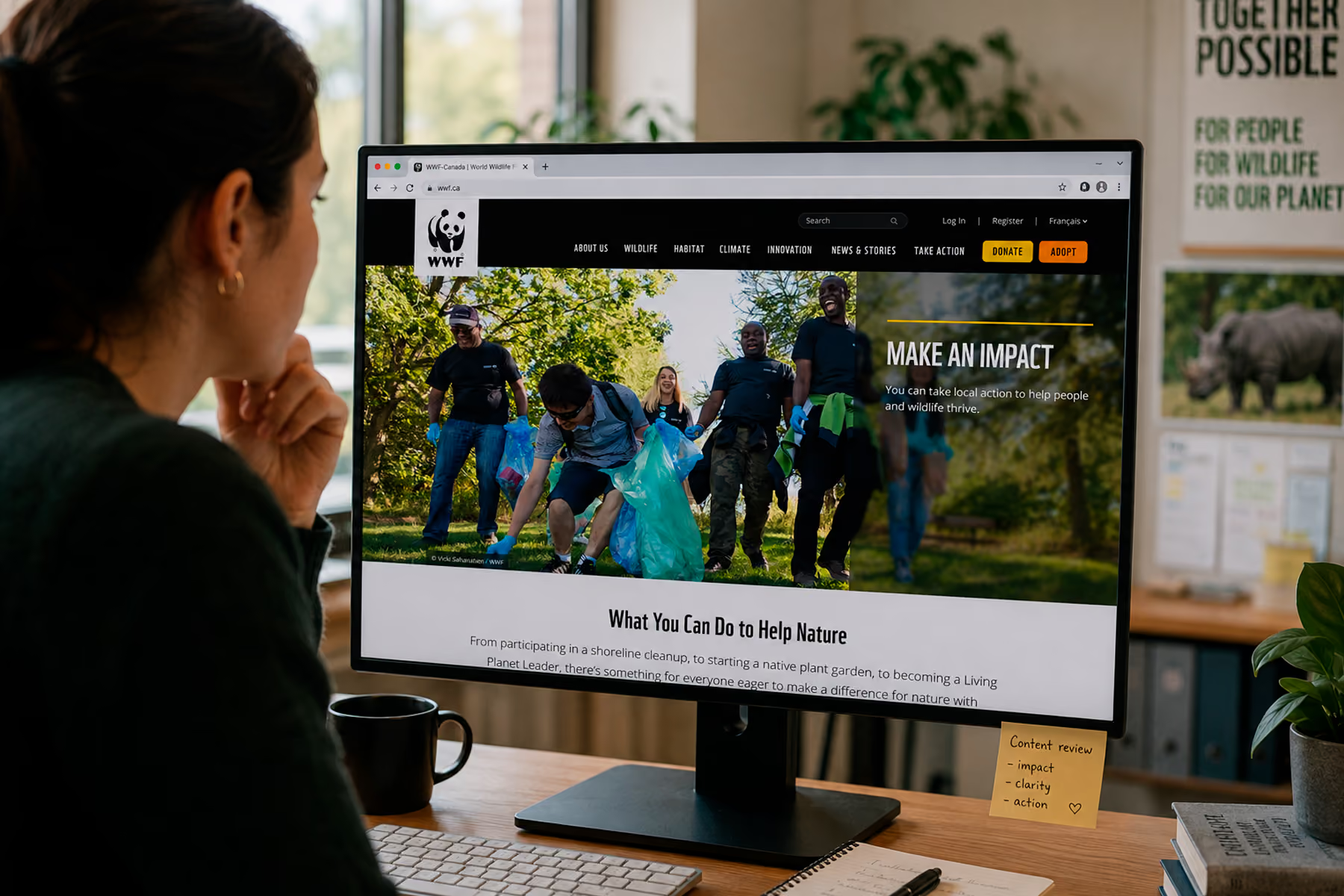
We've seen donation increases of 30-32% post-redesign for clients like WWF Canada and Mercy For Animals. Those aren't unusual results when the right process is followed.
Related: How to Design a Nonprofit Website That Increases Donations →
You've Outgrown Your Current Site
The most common scenario we encounter: a nonprofit that started on a builder years ago, has grown, and is now being held back by a site that can't accommodate their complexity. The symptoms include:
- Workaround after workaround to get new features working
- Donation integrations that break or don't report correctly
- A design that no longer reflects the organization's credibility
- SEO limitations that the builder's structure imposes
When you're spending more time managing workarounds than managing your mission, it's time for a custom solution.

Your Website Is Your Primary Growth Channel
For organizations where the website is the main way new supporters discover and engage with them: especially if a significant portion of traffic comes from organic search: the SEO limitations of builders become a real constraint.
Custom-built sites give you full control over technical SEO: URL structure, site architecture, page speed optimization, schema markup, and content organization. Template-based builders impose limitations you can't always engineer around.
Related: Nonprofit Website SEO: How to Get Found Without a Big Ad Budget →
You're Undergoing a Platform Migration
If you're moving from one platform to another (say, WordPress to Webflow, or Squarespace to a custom build), how that migration is executed will determine whether you keep or lose the SEO authority you've built over years.
This is one of the most common mistakes we see. Organizations migrate their content without proper redirect mapping, and they watch years of search rankings disappear over the following months. It's recoverable: we recovered over 90% of Mercy For Animals' SEO within four weeks of a major migration: but it's far better to get it right the first time.
Related: Nonprofit Website Design: The Complete 2026 Guide →
Side-by-Side Comparison
The Most Common Mistake: Staying on a Builder Too Long
The real risk isn't choosing a builder: it's not recognizing when you've outgrown it.
We've talked to nonprofits that have been hacking together solutions on Wix or Squarespace for years, adding integrations that don't quite work, dealing with donation tracking issues, and watching their SEO plateau. They know something is wrong. They're just not sure what it would cost to fix it, or whether it's worth it.
The honest answer: the cost of a builder that's holding you back is usually higher than the cost of fixing it. It's just harder to see because it shows up as missed donations, missed volunteers, and missed partners: not as a line item on a budget.
A Note on WordPress
We want to address WordPress specifically, because it sits in an interesting middle ground. WordPress is technically a content management system with a builder layer on top: it can be configured as a template-based site or as a fully custom-built platform.
Most of the nonprofits we talk to are already on WordPress and want to stay there. That's completely reasonable. WordPress is the right choice for a lot of nonprofit use cases: it has excellent donation plugins, a massive developer ecosystem, strong SEO tooling, and a familiar editing interface that most staff can use without training.
What we do often recommend changing is how WordPress is being used: moving away from poorly-coded page builders, consolidating toward a cleaner theme architecture, and making sure the development setup is optimized rather than patched together.

Related: WordPress for Nonprofits: Pros, Cons, and When to Go Custom →
How to Make the Decision
Here's our decision framework, simplified:
Start with a builder if:
- You're early-stage (under $100K annual budget)
- You have one primary user type
- You need to be live quickly
- Your budget is under $5,000
Move to custom when:
- You're serving multiple distinct user types
- Online donations are a primary revenue driver
- Your current site has become a collection of workarounds
- You're planning a platform migration
- Your website is your primary growth channel
And if you're not sure? That's exactly what our free diagnostic is for. We'll take a look at what you have, tell you honestly where you are, and give you a clear picture of whether a builder can get you where you're going or whether it's time for something built around your mission.
Book a free nonprofit website diagnostic →
The Bottom Line
Website builders are a legitimate starting point: and an expensive place to get stuck. The best nonprofit websites aren't defined by the platform they're built on. They're defined by the clarity of thought that went into them: who is this for, what do they need to do, and what's in the way?
Whether that requires a builder or a custom build is a secondary question. The primary question is always: are you making it as easy as possible for the right people to take the right action?
If the answer is no, we should talk.
Start with a free diagnostic →
Wandr is a woman-owned, woman-led product strategy and design studio building custom digital experiences for nonprofits, NGOs, and mission-driven organizations. Our nonprofit work has generated over $3.2M in additional donations across 15+ engagements, including WWF Canada and Mercy For Animals. See our work →