

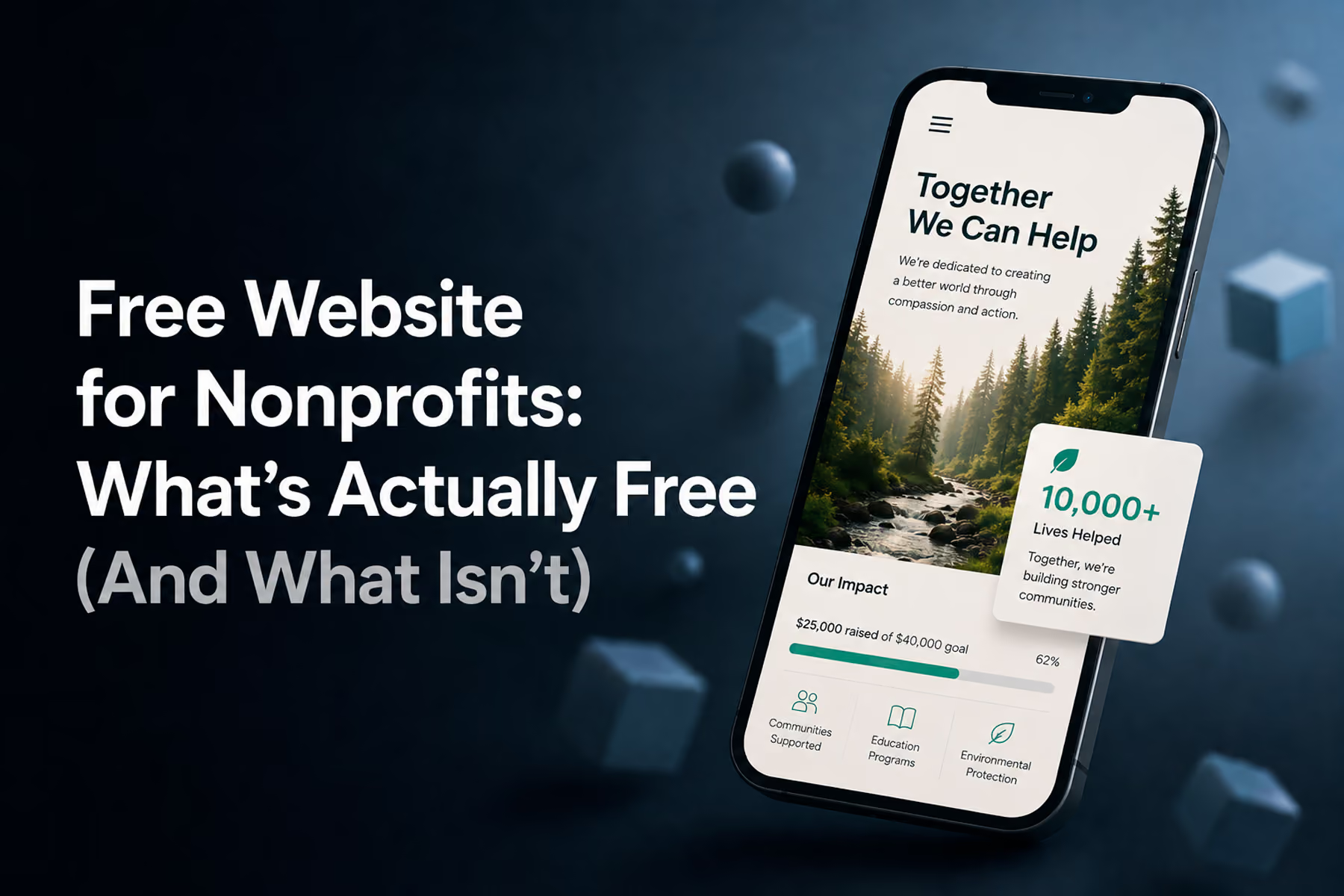
"Free" in web design almost always has an asterisk.
That's not cynicism: it's just how the math works. Platforms that offer free plans offset those costs somewhere: through paid feature tiers, limited storage, mandatory branding, restricted SEO, or reduced support. Understanding exactly where those trade-offs live is the only way to make a genuinely informed decision for your nonprofit.
Here's the honest breakdown of what free actually gets you: and when it's worth accepting those limits.
What "Free" Usually Means in Practice
Most "free" website options for nonprofits fall into one of three categories:
1. Platform free tiers (Wix, WordPress.com, Squarespace)
Genuinely free to start, but with platform branding on your domain (yourorg.wixsite.com, yourorg.squarespace.com), storage limits, and restricted functionality. Getting a real domain and removing platform branding typically requires a paid plan.
2. Nonprofit program discounts (nearly-free, not actually free)
Programs like Google for Nonprofits, TechSoup, and individual platform nonprofit discounts can make premium tools nearly free. These require verification of 501(c)(3) status (or equivalent) and application. Worth pursuing.
3. Open-source software (free software, not free operation)
WordPress.org software is free. Hosting, domain registration, maintenance, and any premium plugins or themes are not. A self-hosted WordPress site typically costs $50: $200/year minimum for basic hosting and a domain, plus time or developer costs for setup and maintenance.
Free Platforms: Honest Capabilities Assessment
Wix Free Plan
What you get:
- A functional website on a Wix subdomain (yourorg.wixsite.com/yourorg)
- Access to Wix templates and drag-and-drop editor
- Basic pages, contact forms, and some apps
What you don't get:
- A custom domain (without paying)
- Removal of Wix branding
- Advanced donation integrations
- Serious SEO capabilities
Verdict: Useful for testing content and structure before committing to a paid plan. Not appropriate as a primary, long-term web presence for an organization asking people to donate.
WordPress.com Free Plan
What you get:
- A website on a WordPress.com subdomain
- The WordPress block editor
- Basic themes
- A small amount of storage
What you don't get:
- Custom domain (without paying)
- Plugin installation (paid plans only)
- Most donation functionality
- Meaningful SEO control
Verdict: The free tier is essentially a demo. For a functional nonprofit website on WordPress, you need at minimum the "Personal" plan ($4-7/month), and realistically the "Business" plan to install donation plugins.
Squarespace Free Trial
Squarespace offers a 14-day free trial, not a permanent free tier. After the trial, you need a paid plan. This isn't a criticism: Squarespace's nonprofit discount (50%) makes it genuinely accessible, and the trial is useful for evaluation.
Programs That Make Tools Nearly Free
These are worth pursuing aggressively. For verified nonprofit organizations:
Google for Nonprofits
Free access to Google Workspace (previously G Suite), including professional email, Google Drive, and Google Analytics. Also includes YouTube Nonprofit Program and Google Ad Grants (up to $10,000/month in free Google Ads: a significant benefit for nonprofits that want search visibility).
Apply at: google.com/nonprofits
TechSoup
A nonprofit technology marketplace that offers deeply discounted or donated software and services to verified nonprofits. Microsoft products, Adobe Creative Cloud, web hosting credits, and more.
Apply at: techsoup.org
Canva for Nonprofits
Free access to Canva Pro for verified nonprofits. Not a website builder, but useful for creating marketing materials, social content, and visual assets.
Mailchimp for Nonprofits
Discounted email marketing for nonprofits. Relevant for newsletter sign-up flows connected to your website.
Free Hosting for Nonprofits
Web hosting is one of the unavoidable ongoing costs for any self-hosted website. A few options that reduce or eliminate this cost:
Netlify / GitHub Pages
Free static site hosting: but requires technical knowledge to use and is typically only appropriate for very simple sites without dynamic content.
DreamHost Nonprofit Program
Discounted shared hosting for verified nonprofits.
WP Engine Nonprofit Discount
WP Engine (premium managed WordPress hosting) offers significant discounts for nonprofits. This is a meaningful option for organizations that are serious about WordPress performance and security.
Google Cloud for Nonprofits
Credits for Google Cloud hosting through the Google for Nonprofits program.
The Hidden Costs of "Free" Websites
This is worth being clear about because it affects long-term planning:
Time cost
Someone on your team is managing the free website. Their time has value. If the site requires two hours of maintenance per month and the person managing it earns $25/hour, that's $600/year: not counting the time investment of the initial setup.
Opportunity cost
A free website that undersells your mission is costing you donations, volunteers, and partnerships that a more effective site would have captured. This is harder to quantify, but it's real. For organizations where online fundraising matters, even a small conversion improvement on a custom or semi-custom site can vastly outweigh the cost difference.
Migration cost
Building on a free platform with proprietary architecture (especially Wix) makes future migration more expensive and complex. The "free" choice now can become an expensive constraint later.
When Free Is Actually the Right Answer
We want to be direct about this: for some nonprofits, free or near-free is genuinely the right answer right now.
If you're a newly-formed organization testing your programs and still developing your donor base: free or minimal-cost is appropriate. Get something online, focus on your mission, and revisit the website investment when you have more clarity about what it needs to do.
If you're a very small organization with a single, simple user type: free templates can serve you adequately. The complexity justification for custom design weakens significantly when your audience is simple and your conversion requirements are minimal.
The goal is always to match the tool to the actual need. Free tools have real capabilities. They also have real limits. Understanding both honestly is what allows you to make the right decision.
Not sure where you are? Book a free diagnostic and we'll tell you honestly →
Wandr Studio. We'll tell you if a builder is the right answer for your organization: and help you build something better when you're ready. See our nonprofit services →
Related WANDR case studies: WWF-Canada · Mercy For Animals · CEED Global