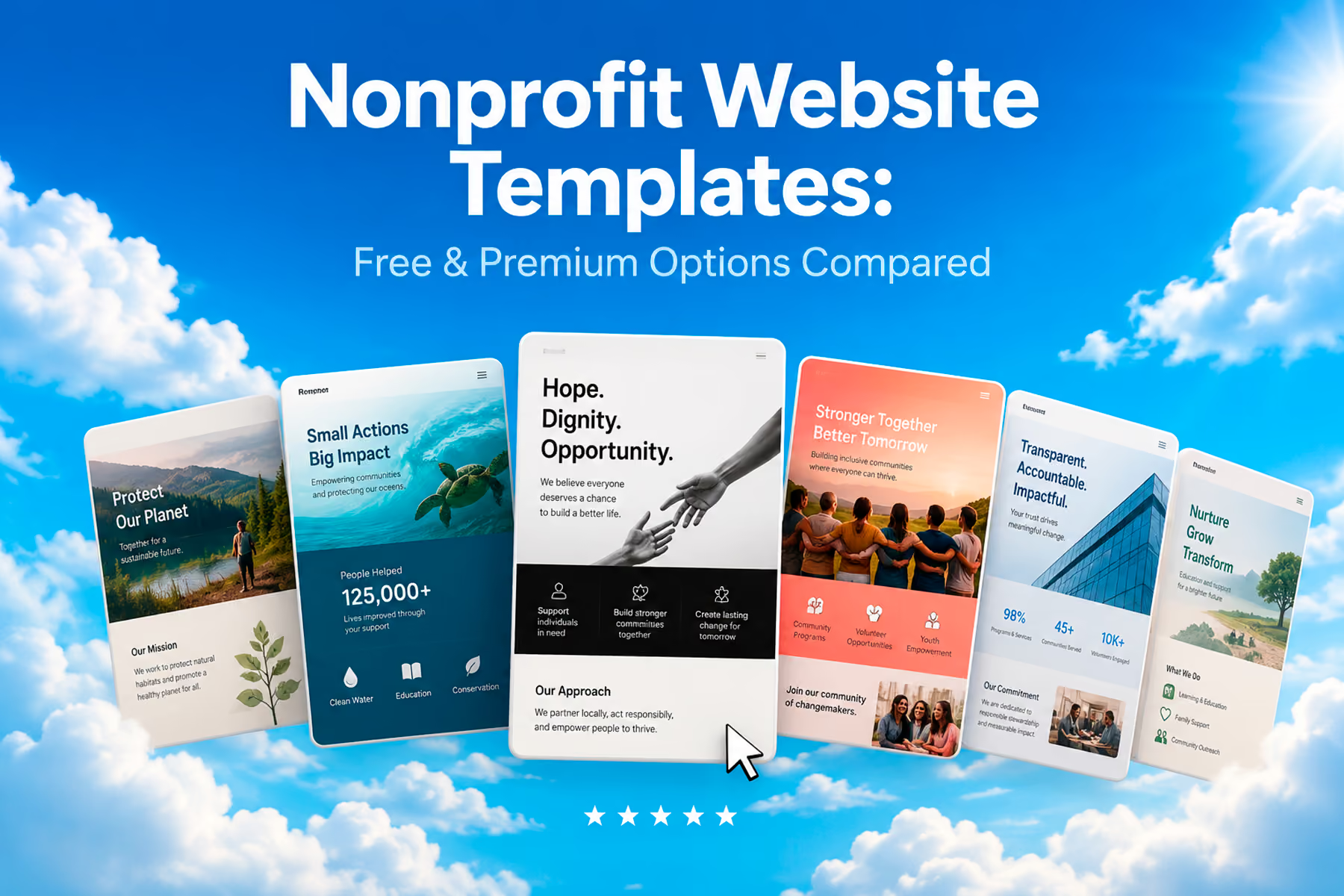
Templates are one of the most polarizing topics in nonprofit web design.
On one side: they're accessible, affordable, and fast. On the other: they weren't built for your specific mission, your specific users, or your specific conversion goals. Both of those things are true, and the right answer depends on where your organization is.
Here's an honest breakdown of what templates can and can't do for nonprofit websites: and how to choose one if that's the right tool for your situation right now.
What Nonprofit Website Templates Are (and Aren't)
A nonprofit website template is a pre-built design framework: visual layouts, navigation structures, page types, and style guides: that you customize with your own content, branding, and integrations.
The best nonprofit templates are built with common nonprofit needs in mind: donation integration points, volunteer sign-up pages, event listings, impact reporting sections, and campaign landing pages. They save significant time versus building from scratch and can produce a professional result if chosen and configured well.
What they can't do: be designed for your specific audience. A template is a generalization: it's built for a hypothetical nonprofit with typical user types and typical needs. If your organization has complex user flows, a unique audience profile, or specific conversion requirements, a template will be a constraint.
Free Nonprofit Website Templates: What's Actually Available
WordPress Free Templates
WordPress has the largest template (theme) ecosystem of any platform, with several themes specifically designed for nonprofits:
Astra (free version)
Not nonprofit-specific, but extremely popular for nonprofits because of its flexibility and compatibility with major page builders. Pairs well with Elementor or Beaver Builder for more design control.
Hestia
Clean, modern one-page theme with good donation section support. Well-maintained and compatible with WooCommerce for merch stores: a growing feature for nonprofits.
Charitable + compatible free themes
The Charitable plugin (donation management for WordPress) has several free theme companions that are built specifically around nonprofit donation flows.
Divi (limited free)
Technically a premium theme with limited free access. One of the most full-featured WordPress design systems available; significant learning curve but enormous flexibility.
Squarespace Nonprofit Templates
Squarespace has several nonprofit-appropriate templates built in (Brine, York, Pacific are commonly used). They're well-designed, mobile-optimized, and easy to configure. None are truly donation-specific, but they integrate acceptably with Donorbox and Stripe.
Wix Nonprofit Templates
Wix has a category of nonprofit templates that includes charity, fundraising, and community organization designs. They're accessible, easy to edit, and visually reasonable. SEO limitations of the Wix platform apply regardless of template.
Premium Nonprofit Website Templates Worth Knowing
ThemeForest Nonprofit Category
ThemeForest (by Envato) has a dedicated nonprofit/charity category with dozens of premium WordPress templates. Prices typically range from $39 to $79 for a single site license.
Look for templates with:
- Regular updates (check "Last Update" date)
- High ratings (4.5+ stars, 50+ reviews minimum)
- Documented donation platform compatibility
- Responsive design verified across devices
Popular options include Charitas, Charity WP, and Benevolent.
Elegant Themes (Divi)
Divi is a premium WordPress theme/builder system with a nonprofit layout pack. At $89/year for unlimited sites, it's good value for organizations managing multiple campaigns or microsites. Requires comfort with a visual builder interface.
What to Look For in Any Nonprofit Template
Regardless of platform or price point, evaluate templates on these criteria:
Donation integration flexibility
Can you integrate your preferred donation platform (Fundraise Up, Givebutter, Donorbox)? Does it require specific plugins that conflict with anything you're using? Is the integration point visually prominent?
Page types included
Does the template include layouts for: homepage, about, campaigns/programs, donation page, events, volunteer sign-up, impact/results, contact? Most of what you'll need should be pre-built.
Mobile performance
Test the template demo on a mobile device before purchasing. Load speed, navigation behavior, and form usability on mobile matter more than how it looks on a large desktop.
SEO basics
Clean heading structure (H1 → H2 → H3), ability to set meta titles and descriptions per page, clean URLs, no excessive render-blocking scripts.
Update history
Abandoned templates are a security risk (for WordPress especially) and often break with platform updates. Look for templates with regular maintenance.
The DonateHello Lesson: When Templates Stop Working
DonateHello is a donation platform that nonprofits list their causes on, not a nonprofit itself. When WANDR designed it, a template was never a realistic option. For a product asking nonprofits and donors to trust its donation infrastructure, a template reads as generic at exactly the moment when specific, credible, and purpose-built needs to come through.
We designed it as a fully custom product: cause discovery, the giving flow, and impact reporting built around how donors actually think about and complete a donation, not how a template assumes they will. The difference isn't just visual. It's architectural.
The lesson: Templates can get you launched. They can't always get you to scale, and they rarely carry the trust burden a donation product has to carry.
Read the DonateHello case study →
Template vs. Custom: A Simple Decision Framework
Use a template if:
- Annual budget under $100,000
- One or two primary user types
- Need to be live within weeks
- Budget under $5,000 for the website
Move to custom when:
- Multiple distinct user types with different conversion goals
- Online fundraising is a primary revenue stream
- Current template is being worked around rather than worked with
- Platform migration is required
- The template design no longer reflects your organizational credibility
Related: Nonprofit Website Builder vs. Custom Design: Which Is Right for You? →
Quick Recommendation by Organization Size
Organization sizeRecommended approachUnder $50K annual budgetFree WordPress template + Charitable plugin$50K: $150KPremium WordPress template OR Squarespace$150K: $500KCustom WordPress build$500K+Custom build with full research process
These are starting points, not rules. An organization raising $80K annually but with complex multi-audience needs might justify a custom build sooner. An organization raising $1M but with a very simple user structure might stay on WordPress with a premium template.
The right answer is always specific to the organization.
Book a free diagnostic to find out what's right for yours →
Wandr Studio builds custom nonprofit digital experiences. When templates aren't enough, we build what is. See our services →
Related WANDR case studies: WWF-Canada · Mercy For Animals · CEED Global