

A nonprofit website is one of the hardest design problems there is.
You're asking people to give: money, time, attention, advocacy: without giving them something tangible in return. You're serving four completely different types of users from the same digital front door. You're doing it with a constrained budget and, often, without a dedicated person to manage the thing after it's built.
And you need it to earn trust in seconds, because that's all most users will give you before they make up their minds.
This guide is a complete strategy for approaching nonprofit web design the right way: from first principles to execution.
Start With Outcomes, Not Aesthetics
The most expensive mistake in nonprofit web design is starting with how the website should look. Design comes later. First comes this question: what does this website need to accomplish?
For every nonprofit, the answer involves converting multiple types of users toward multiple types of actions. Donors. Volunteers. Corporate partners. Advocacy supporters. Each of these groups has different motivations, different hesitations, and different measures of success.
Before a single wireframe gets made, we need clarity on:
- What are the three to five most important outcomes for this organization this year?
- Who are the specific users whose behavior drives each of those outcomes?
- What does that user need to experience, understand, and feel in order to take that action?
Everything else: navigation structure, visual design, copy, page hierarchy: is in service of those answers.
The User Research Phase: Don't Skip It
We cannot say this strongly enough: user research is not a luxury in nonprofit web design. It is the foundation that everything else is built on.
Here's why it's non-negotiable:
Most nonprofit leadership teams have working assumptions about their users that are at least partially wrong. This isn't a criticism: it's a pattern we've observed consistently across dozens of projects. The people running the organization are deeply close to its mission, which creates blind spots about the people they're trying to reach.
We've seen organizations that assumed a certain demographic would never support their cause: and discovered through user interviews that a significant population was not only willing to support them but was actively looking for a cause like theirs. They were losing those supporters purely because their website didn't speak to them.
Our user research process:
- Stakeholder interviews to understand organizational outcomes and initial assumptions
- Historical data analysis: who has actually engaged in the past?
- User persona development: building profiles based on evidence, not intuition
- User interview validation: talking to real potential users to confirm or challenge personas
- Iteration: updating personas based on what we learn
The rule of four: we cap primary user personas at four. More than four, and you're over-segmenting. You end up building flows for hypothetical users instead of real ones, and you fragment the experience in ways that confuse rather than clarify.
Information Architecture: Building the Map
Once you know who your users are and what they need to do, you can design the map: the information architecture that tells everyone where to go and how to get there.
Information architecture (IA) is the structure of your website: how pages are organized, how they relate to each other, what the navigation looks like, and how users move from entry to action.
For a nonprofit with multiple user types, IA is where you make or break the experience. A donor and a volunteer and a corporate partner all need to find their path quickly: without having to wade through content designed for someone else.
Principles for nonprofit IA:
- The homepage is a traffic director, not a story. It gets users to their path fast.
- Navigation labels should use user language, not organizational language. "Get Involved" is better than "Programs."
- Every page should have one primary CTA. Not three. One.
- Breadcrumbs and clear back-paths are especially important for users arriving via search on an interior page.
Flow Architecture: Designing for Conversion
Flows are the conversion paths: the step-by-step sequences that take a user from intent to action. Every user type needs their own flow, designed to minimize friction and maximize trust at every stage.
The donation flow is the highest-stakes flow on most nonprofit websites. Here's how we approach it:
- Map every step from landing to confirmation
- Challenge every step: does this need to exist? What would we lose by removing it?
- Position impact statements at the moments when donor commitment is most fragile (typically just before payment entry)
- Surface recurring donation naturally within the flow, not as a forced upfront choice
- Confirm completion immediately with a specific, warm thank-you that reinforces the impact of the donation
The volunteer flow typically requires different architecture:
- Early qualification (is this person right for the role? Are they in the right location? Do they meet the requirements?)
- Expectation setting (what does volunteering actually look like day-to-day?)
- Low-friction application: the more steps to apply, the fewer applicants complete the process
The corporate partnership flow is usually longer-cycle and requires more nurture:
- Clear statement of what a partnership involves and what it offers the company
- Social proof from existing corporate partners
- Case studies demonstrating impact
- A clear, low-commitment next step (schedule a call, download an overview, sign up for an info session)
Visual Design: Trust in Every Pixel
Once the architecture is set and flows are mapped, visual design builds the experience that users actually see.
In nonprofit web design, every visual decision is an argument for trust. Here's how we approach the core elements:
Photography
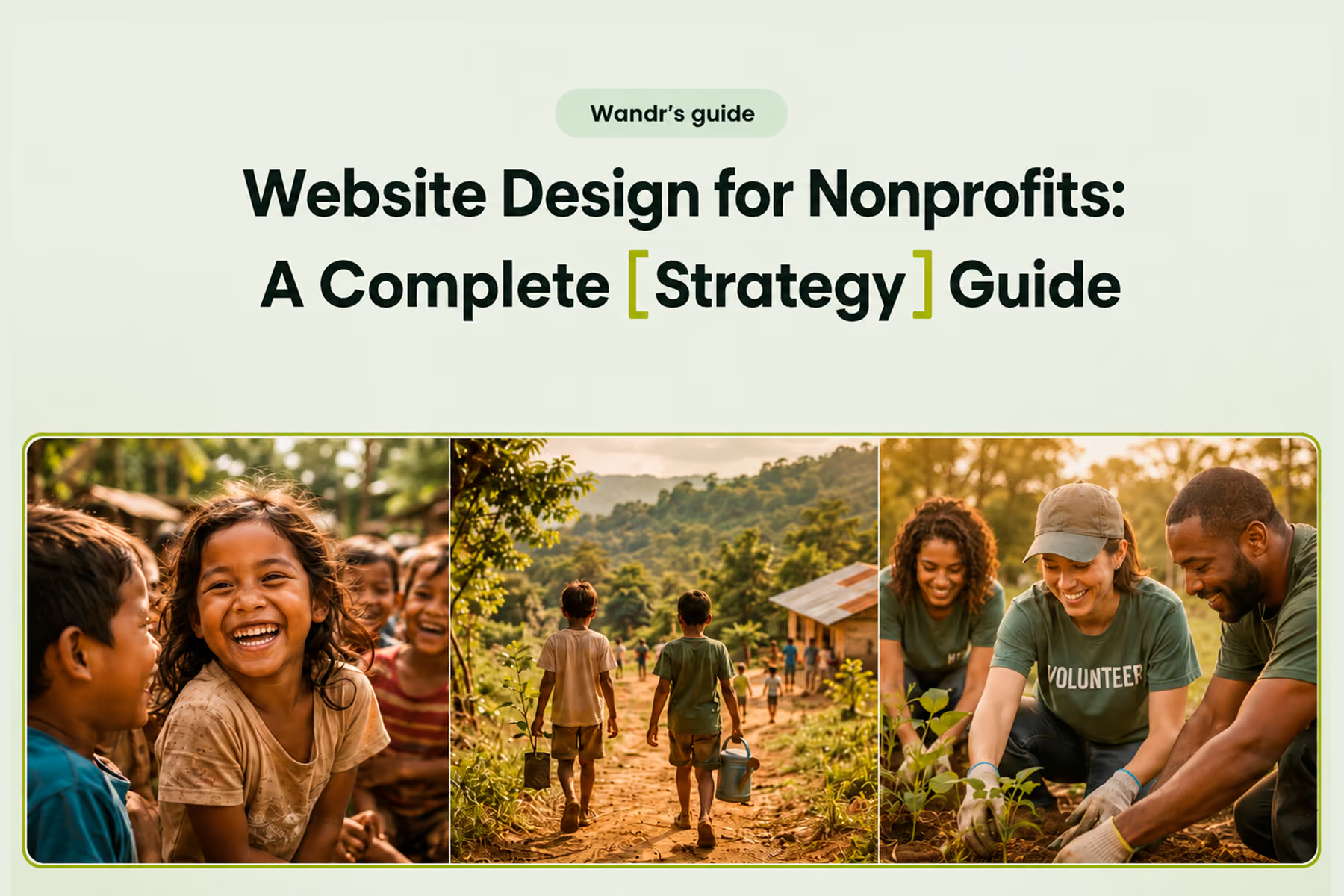
Real photography from real programs outperforms stock photography every time. If budget allows, invest in original photography that shows actual beneficiaries, volunteers, staff, and outcomes: not generic imagery that could belong to any organization.
If original photography isn't possible, curate stock photography with extreme selectivity. Avoid anything that looks obviously staged, overly polished, or disconnected from the organization's actual context.
Color and typography
These should reflect the organization's personality: but never at the expense of readability or professionalism. A design that feels "fun" at the expense of credibility is working against your conversion goals.
Layout and white space
Nonprofit websites routinely suffer from information overload: the temptation to put everything on every page. Great nonprofit design is as much about what's left out as what's included. White space is not wasted space. It's the visual breathing room that makes the important things legible.
Accessibility
Accessibility compliance (WCAG 2.1 AA as a minimum) is not optional for nonprofit websites. It's an ethical responsibility and, in many cases, a legal one. It's also an SEO signal. We build accessibility into the design process from the beginning, not as a post-launch remediation. For Mercy For Animals, we achieved full accessibility compliance across the site.
Development: Platform Choices and Integration
The right platform depends on the organization's technical capacity, budget, and long-term needs. Here's our honest assessment:
WordPress
The most common platform we encounter among nonprofit clients, and with good reason. Excellent plugin ecosystem (including several strong donation plugins), familiar editing interface, and a massive developer community. The right choice for most small-to-mid-size nonprofits who want long-term manageability.
Where it struggles: poorly-configured WordPress sites can be slow, insecure, and hard to maintain. The platform is only as good as how it's built and managed.
Webflow
An excellent choice for nonprofits that prioritize design quality and want a visually-driven CMS. Better for design-forward organizations; less plugin ecosystem depth than WordPress.
Custom builds
For complex, high-scale organizations with specific technical requirements that standard platforms can't accommodate.
On donation platforms:
We integrate with virtually every major donation platform. Our general recommendation: use a purpose-built donation tool: Fundraise Up, Givebutter, or Donorbox: rather than PayPal, basic Stripe links, or outdated custom systems. Purpose-built platforms provide the credibility, analytics, and recurring donation features that generic payment tools lack.
SEO: Getting Found Before You Get Seen
A nonprofit website that's invisible in search isn't serving its mission. SEO is not an add-on: it's built into every structural decision.
What we build for SEO from the start:
- Clean URL architecture that reflects page hierarchy
- Proper heading structure (H1 → H2 → H3, used meaningfully)
- Meta titles and descriptions configured for every page
- Image optimization (compressed, properly alt-tagged)
- Internal linking structure that distributes authority appropriately
- Site speed optimization
- Schema markup for nonprofit-specific rich results
Content migration warning:
If you're redesigning and moving platforms, content migration is where years of SEO authority can disappear overnight. Proper migration includes full redirect mapping (301 redirects for every URL that changes), post-migration indexing verification, and a monitoring period to catch anything that slips through.
At Wandr, we achieved over 90% SEO preservation for Mercy For Animals through a complex migration: and recovered the remaining portion within four weeks. That result requires intentional process, not luck.
Related: Nonprofit Website SEO: How to Get Found Without a Big Ad Budget →
Analytics: Building the Feedback Loop
Design is an ongoing process, not a one-time event. The feedback loop: design → launch → measure → improve → repeat: requires analytics that are set up correctly from day one.
Our analytics configuration sequence:
- Google Search Console (set up before launch if possible)
- GA4 with conversion events for every meaningful action
- Donation platform analytics integration
- Post-launch heatmapping (after the redesign is live and traffic is meaningful)
The first three months post-launch are a critical data-gathering period. We review analytics with clients regularly during this window and use what we're seeing to make evidence-based improvements to the highest-priority pages.
The Wandr Difference
We're one of the few agencies that specializes specifically in nonprofit digital experiences. That specialization matters because the patterns are different, the stakes are different, and the path to results is different from commercial web design.
We've been doing this long enough to know what works and what doesn't, across a wide range of cause areas and organizational sizes. We don't apply cookie-cutter solutions: every organization's mission is different, and what we build reflects that.
And we stand behind our work: meaningful improvement in your key metrics in year one post-launch, or we come back and work for free until we deliver.
Book your free nonprofit website diagnostic →
Wandr Studio. Woman-owned. Mission-driven. See our nonprofit services →
Related WANDR case studies: WWF-Canada · Mercy For Animals · CEED Global