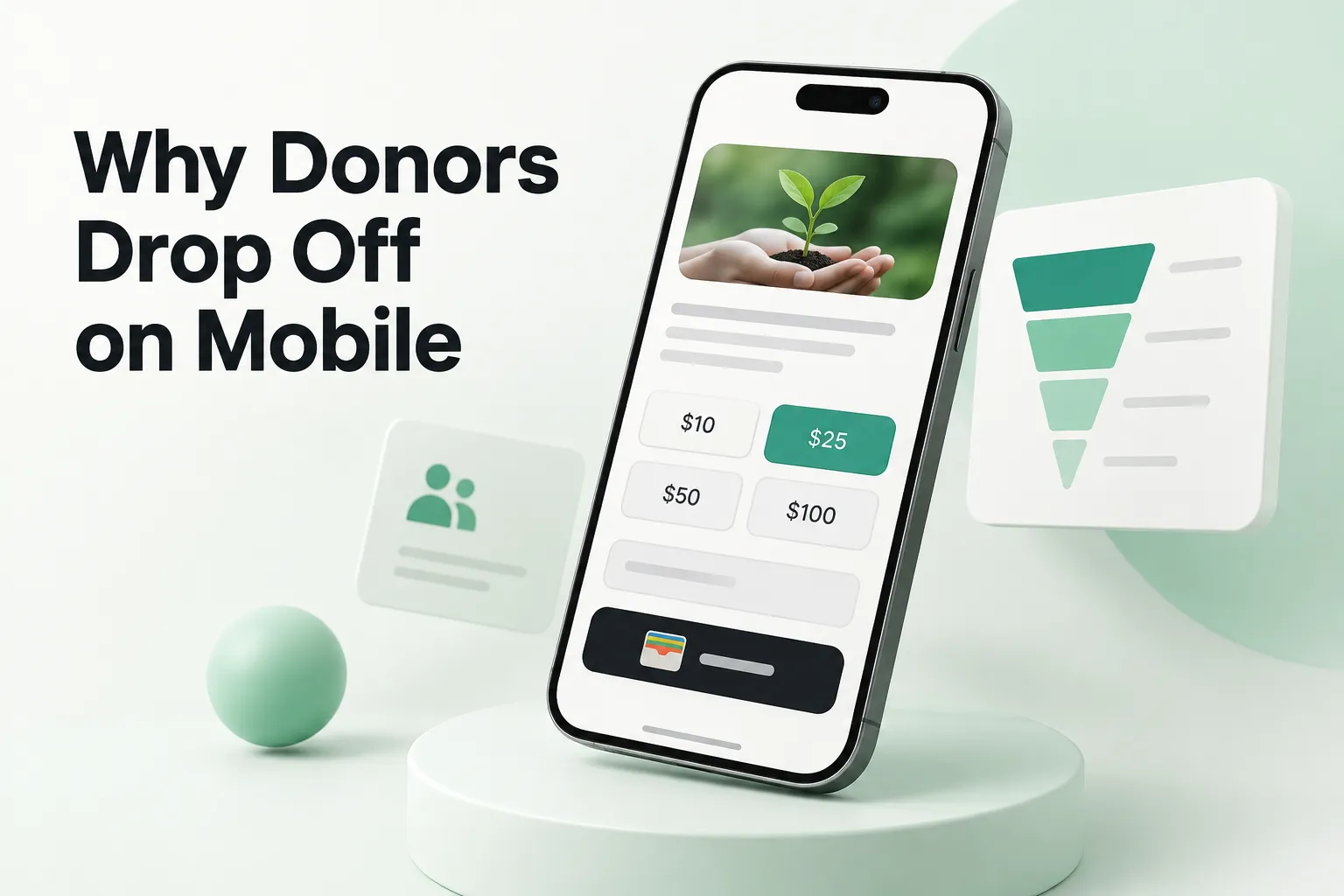
Most nonprofit teams design their donation page on a big monitor and test it there too. Most of their donors, though, meet it on a phone, often from an email or a social post, standing in line or on the couch. That gap is where gifts get lost.
When a donor drops off on mobile, it is rarely because they changed their mind about your cause. It is because the page made giving feel like work. Here is what usually causes it and how to fix it.
First, find out where people actually stop
Before you change anything, look at the numbers. Set up your analytics so you can see four steps separately for mobile and desktop: page view, form start, payment step and completed gift. If mobile visitors start the form at a decent rate but rarely finish, the problem is inside the form. If they never start, the problem is above it.
Session recordings are worth an afternoon of your time. Watching five real people struggle with the same field teaches more than a month of dashboards. Our guide on tracking donation conversions covers the setup.
9 reasons donors drop off on mobile (and the fix for each)
1. The page loads too slowly
On cellular data, a heavy hero video or a stack of tracking scripts can keep the form from appearing for several seconds. Many donors will not wait. Fix: compress images, drop autoplay video on the donation page, remove scripts that do not help someone give and test on a real phone, not just a desktop simulator.
2. The form is hidden below the story
A long appeal at the top pushes the amount buttons off the screen. Fix: lead with one strong line and the form. Put the longer story below it for people who want to read more.
3. Too many fields
Every field is a tap, a keyboard and a moment to reconsider. Fix: keep only what your processor and receipts require. Make the rest optional or ask for it on the thank-you page.
4. The wrong keyboard shows up
When the email field opens a regular keyboard or the card field opens letters, donors notice. Fix: use the right input types so phones show the email, number and phone keyboards automatically, and turn on autofill for name, address and card fields.
5. Tap targets are too small
Tiny radio buttons and amount chips crammed together lead to wrong taps and frustration. Fix: make amount buttons and checkboxes large enough for a thumb, with enough space between them.
6. No digital wallets
Typing a 16-digit card number on a phone is the single hardest moment in a mobile gift. Fix: offer Apple Pay, Google Pay or PayPal if your platform supports them, and show them first on mobile.
7. The redirect to checkout breaks trust
Jumping to a different-looking domain halfway through makes people wonder if the page is legitimate. Fix: embed the form on your own page when possible. If you must redirect, carry your branding and message all the way through.
8. Errors wipe out what the donor typed
A declined card or a missed field that resets the form is often the end of the gift. Fix: show errors inline, in plain words, right next to the field, and keep every value the donor already entered.
9. Nothing tells them it worked
A blank screen or a generic "submitted" message leaves donors unsure if they were charged. Fix: a clear thank-you page that confirms the amount, says a receipt is on the way and offers one next step.
What this looks like in practice
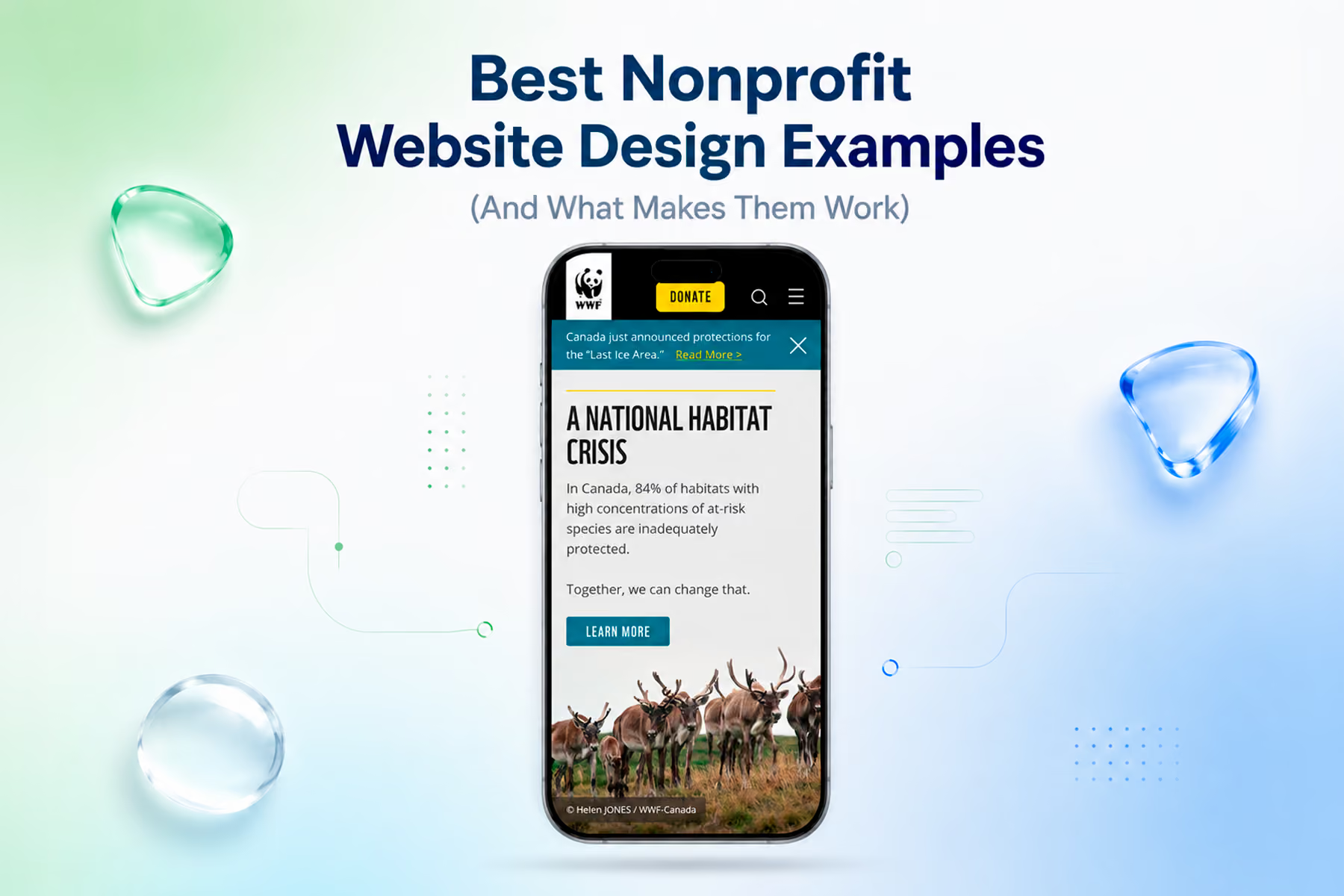
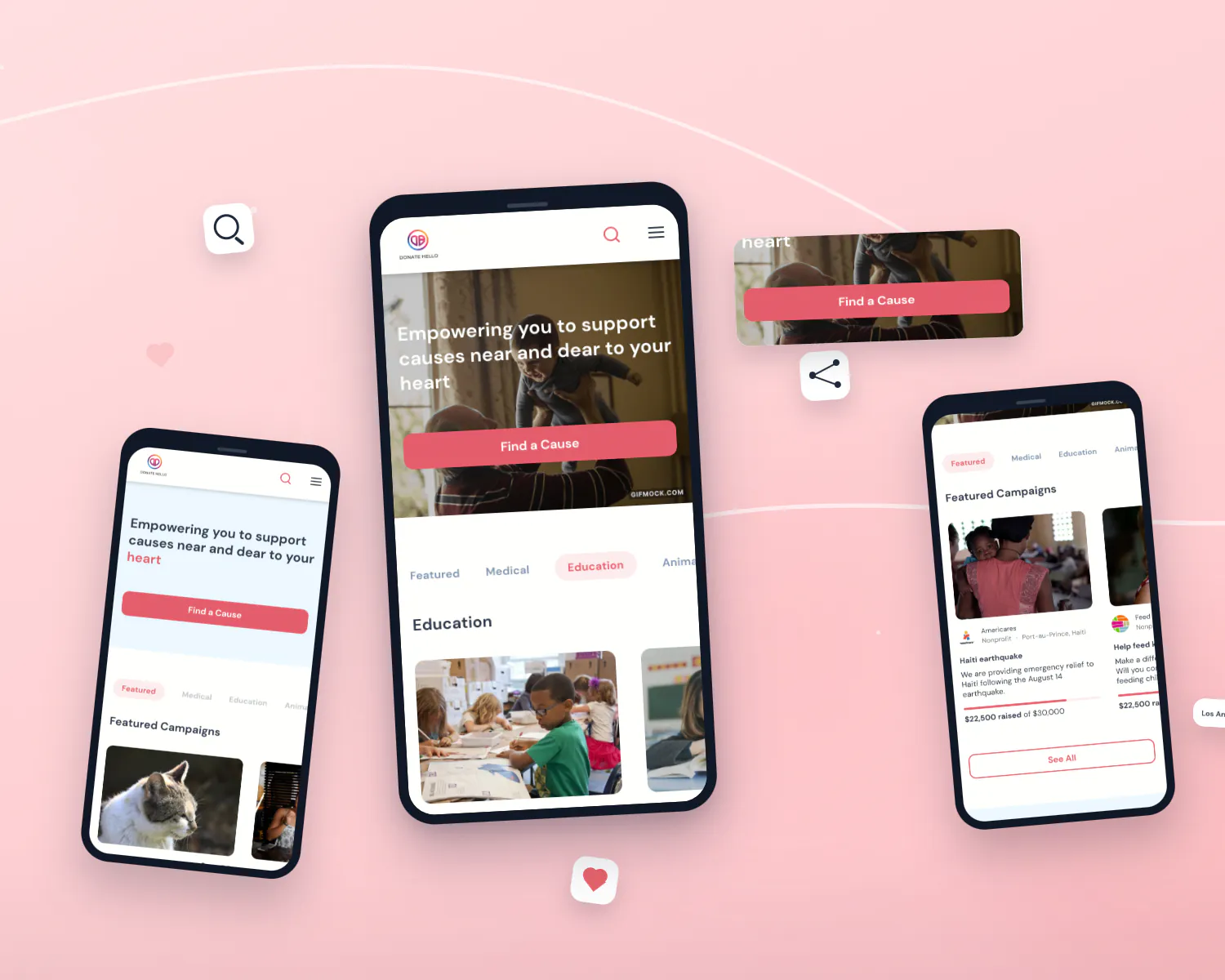
When we worked on WWF-Canada's giving experience, the focus was not a new look for its own sake. It was removing steps and confusion from the path to a gift. Digital donations rose 37%. The same approach helped Mercy For Animals grow donations by 32%.
The lesson for most teams: you do not have to rebuild your site to win back mobile donors. Start with the form, fix the biggest leak and measure again.
A quick mobile test you can run today
Grab your phone, switch off Wi-Fi and make a real gift. Time it. Note every moment you had to zoom, retype or wait. Then ask a colleague who has never seen the page to do the same while you watch. Most teams find three or four fixes in fifteen minutes.
If GivingTuesday is coming up, our checklist of donation page best practices before GivingTuesday shows which changes to prioritize first.
Want us to test it for you?
Wandr has helped more than 500 clients over the last 10+ years, and our nonprofit website design work is focused on turning more visits into gifts. If you would rather not guess, request a free donation page audit. We test your page on real phones and send back a short list of the fixes most likely to recover the donors you are losing on mobile.