GivingTuesday is the one day of the year when your donation page gets more traffic than your homepage. Your emails, ads and social posts all point to it. If the page is slow, confusing or asks for too much, every dollar you spent on promotion leaks out at the last step.
The good news: most of the fixes that matter are small. You do not need a full redesign before December 1. You need a donation page that is fast, clear and easy to finish on a phone. This checklist is what we look at first when a nonprofit team asks us to review their giving flow.
Why the donation page matters more than anything else in November
Think of your GivingTuesday campaign as a funnel. Thousands of people open the email or see the post. A smaller group clicks. Then the donation page decides who actually gives. It is the narrowest point, so a small improvement there pays off on every other channel at once.
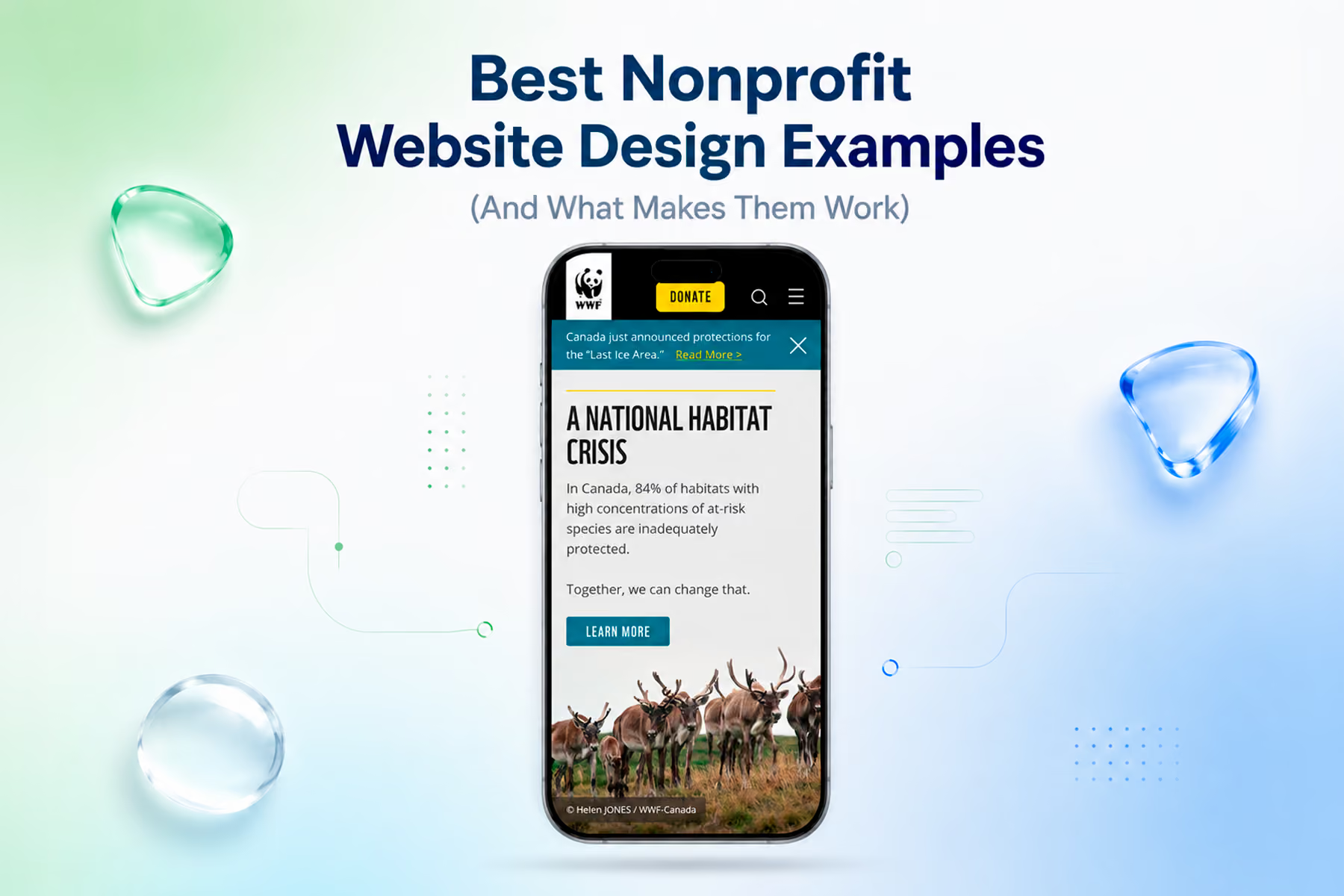
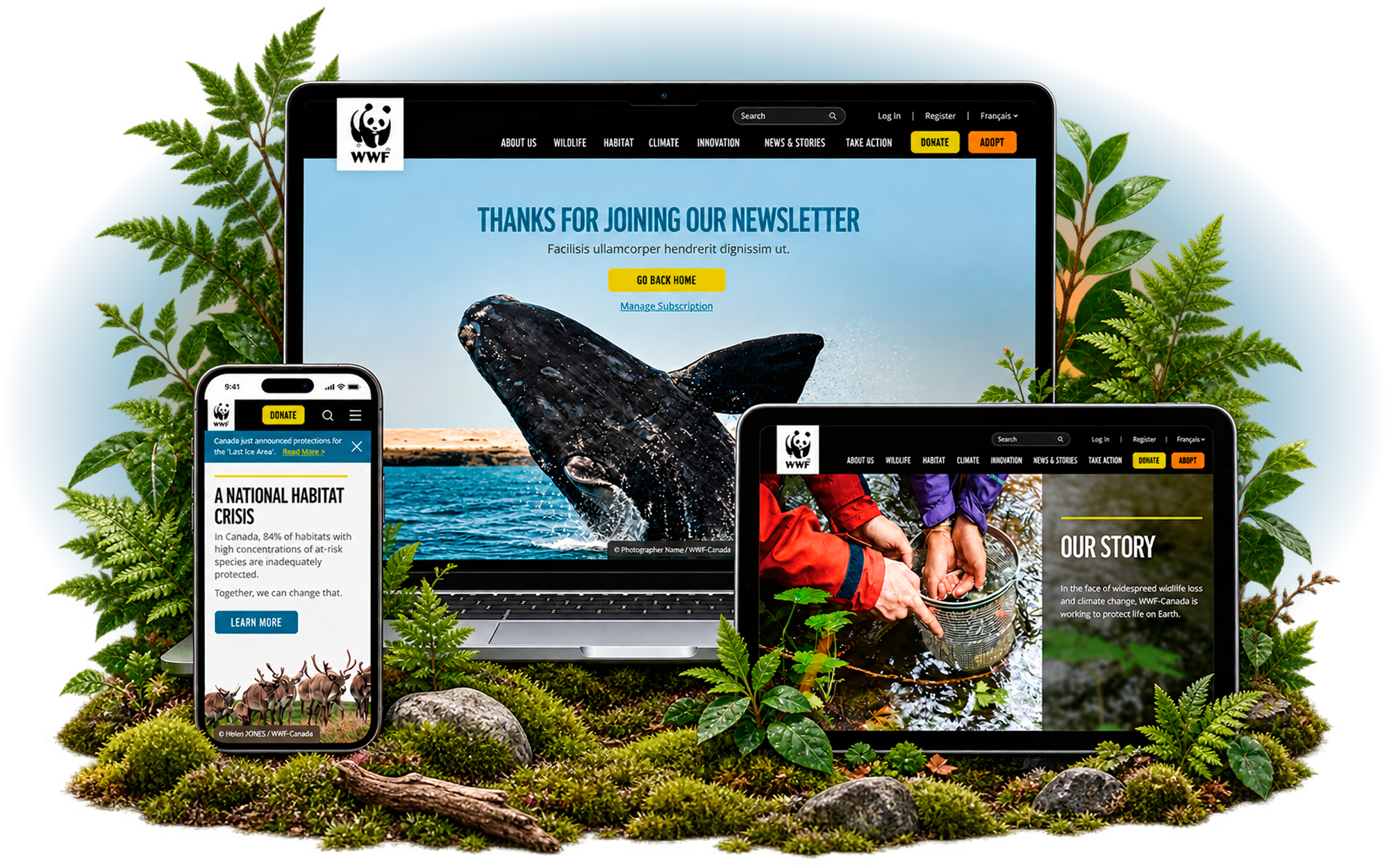
When we redesigned the giving experience for WWF-Canada, digital donations went up 37%. At Mercy For Animals, donations rose 32%. Neither result came from a clever headline. They came from removing friction people did not need to feel.
1. Put the form above the fold on mobile
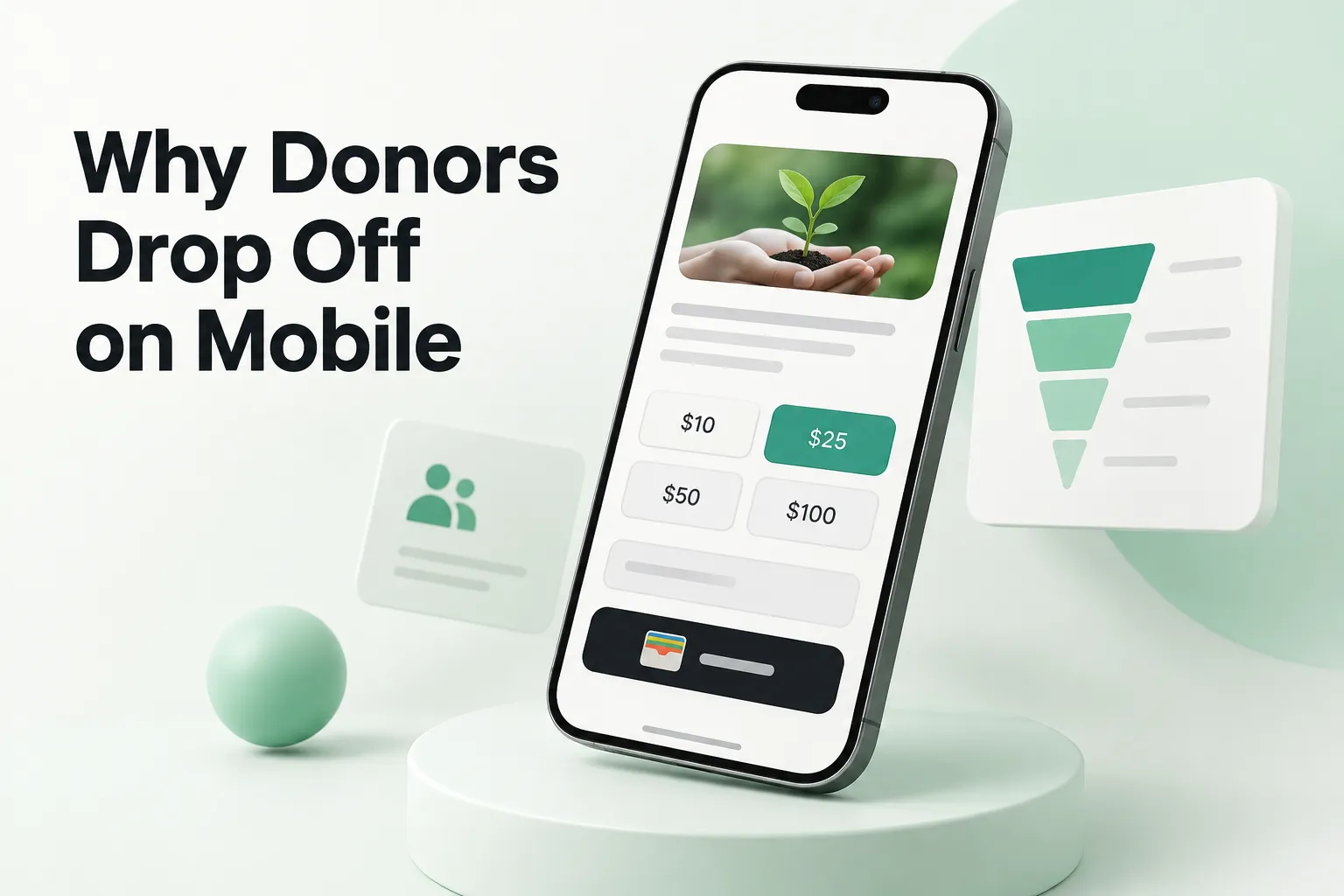
If a donor taps "Give now" and lands on three paragraphs of copy, many will not scroll to find the form. On a phone, the amount buttons should be visible without scrolling. Keep the story short at the top and move the long version below the form.
2. Cut every field you do not need
Each extra field is another reason to stop. Ask your team which fields are truly required by the processor or for tax receipts. Everything else (phone, employer, how did you hear about us) can be optional or moved to the thank-you page.
3. Use ask amounts that tell a story
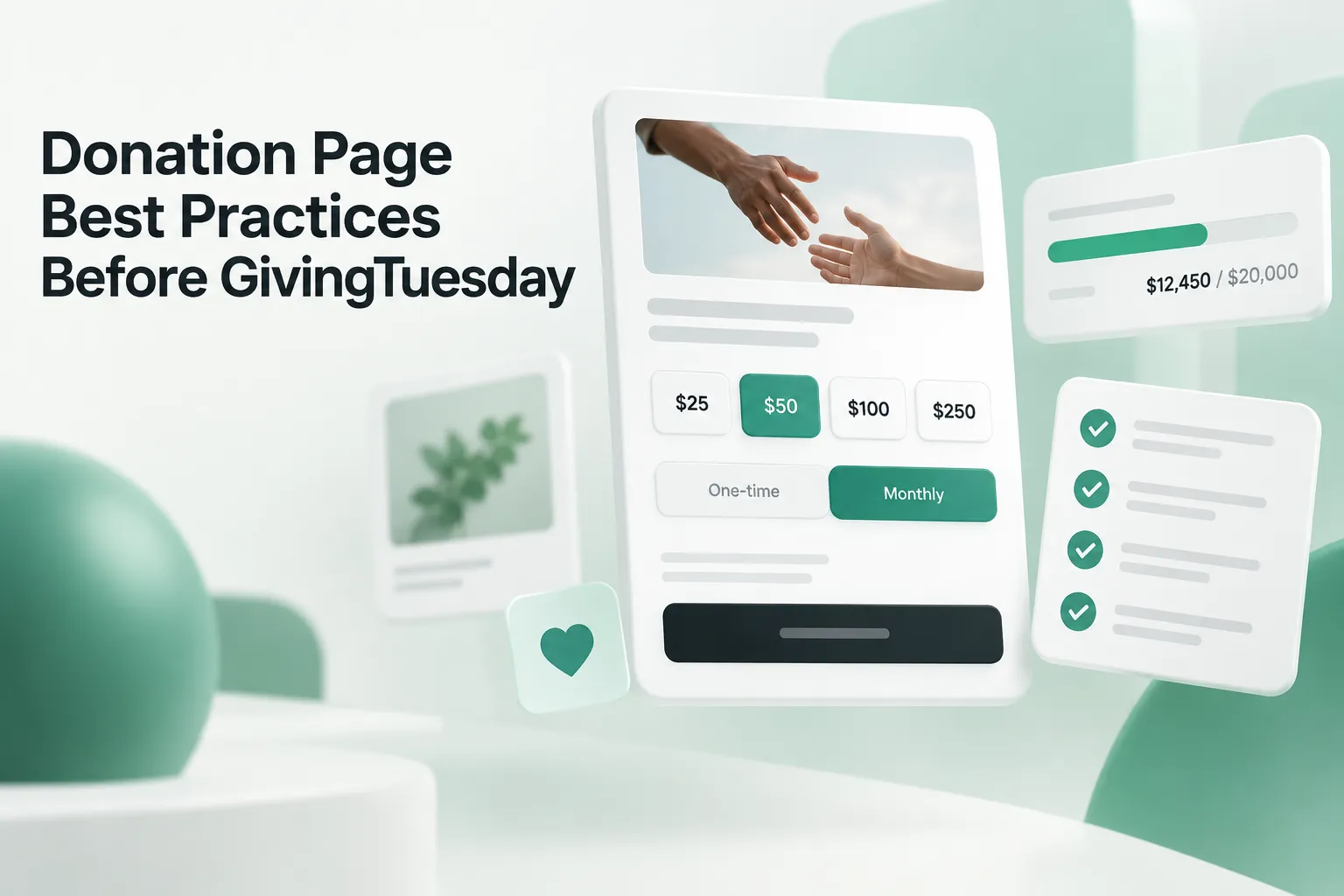
Preset amounts guide the gift. Three or four options work well, with the middle one highlighted. Tie each amount to an outcome in plain language, like what a gift of that size makes possible. Base the numbers on your real average gift, not round guesses.
4. Make monthly giving visible, not hidden
GivingTuesday donors are often new to you. A clear one-time and monthly toggle gives them a choice without a hard sell. Test whether pre-selecting monthly helps or hurts before you lock it in for the big day.
5. Offer the payment methods people already use
Digital wallets like Apple Pay, Google Pay and PayPal let a donor finish in a couple of taps instead of typing a card number on a small screen. If your donation platform supports them, turn them on and test them on real devices.
6. Show the match and the goal
If you have a matching gift, say so near the amount buttons, not only in the email. A simple progress bar toward a goal adds urgency on a day built around urgency. Keep it honest and update it during the day.
7. Keep donors on one page
Every redirect to a third-party checkout is a chance to lose trust and speed. If your platform allows an embedded form, use it. If it does not, make sure the external page carries your branding, colors and the same message, so the hand-off feels like one experience.
8. Make it fast
Big hero videos, heavy tracking scripts and unoptimized images slow the page down, and slow pages lose donors, especially on cellular connections. Run the page through a speed test and remove anything that does not help someone give.
9. Add trust signals near the button
A short line about where the money goes, a recognizable rating or a one-line quote from a supporter does more next to the button than in the footer. Security badges help too, as long as they are real.
10. Write error messages people can fix
"Invalid input" in red at the top of the form is how gifts die. Show errors inline, next to the field, in plain words, and keep what the donor already typed. Test what happens when a card is declined.
11. Treat the thank-you page as the next step
The gift is not the end. A good thank-you page confirms the donation, tells the donor what happens next and offers one simple action: share the campaign, join the email list or upgrade to monthly. This is also where optional profile fields belong.
12. Test it on your own phone before the big day
Before any of this goes live, make a real gift on an iPhone and an Android phone, on cellular data, with autofill on. You will find things no report shows you. We cover the most common mobile problems in our guide on why donors drop off on mobile donation pages.
How to prioritize if you only have a few weeks
Not every fix is worth doing before December 1. Here is the order we usually suggest to nonprofit marketing and digital directors:
- This week: remove unneeded fields, move the form up on mobile, turn on digital wallets.
- Next week: rewrite ask amounts and error messages, add the match and goal near the button.
- Two weeks out: freeze the page, run test gifts on several devices and set up tracking so you can compare results with last year.
If you want to go deeper on tracking, our post on how to track donation conversions walks through the setup. For design inspiration, see our roundup of the best donation page designs.
Get a second set of eyes before December 1
Wandr has worked with more than 500 clients over the last 10+ years, and our nonprofit website design team spends most of its time on exactly this kind of giving flow. If you would like us to look at yours, we offer a free donation page audit: we review your page, flag what is costing you gifts and send back a short, prioritized list you can act on before GivingTuesday.