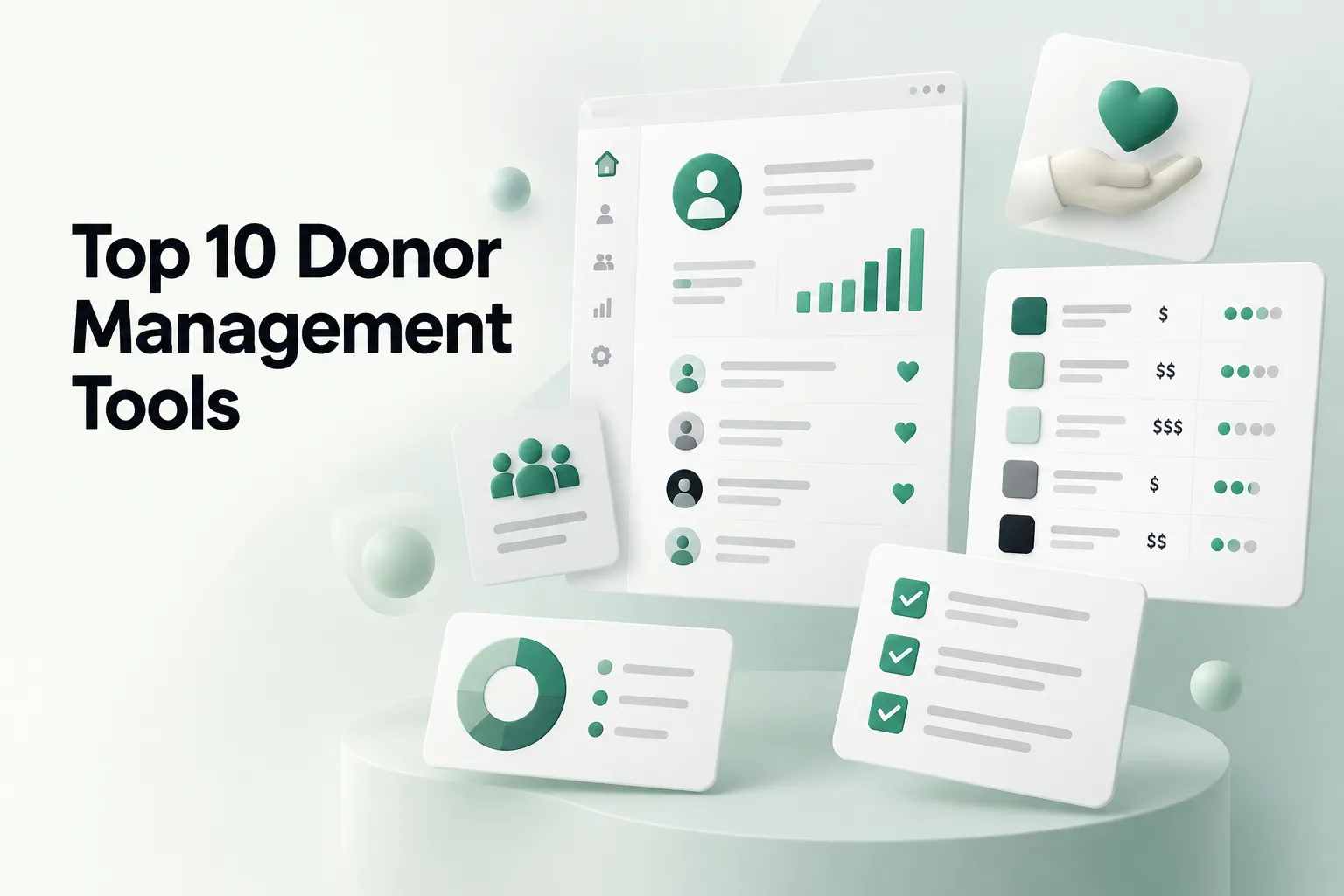
The top 10 nonprofit donor management software tools in 2026 are Bloomerang, Little Green Light, DonorPerfect, Neon CRM, Givebutter, Zeffy, Keela, DonorSnap, Salesforce Nonprofit Cloud and Blackbaud Raiser's Edge NXT. Small teams usually do best with Little Green Light, DonorSnap, Zeffy or Givebutter, mid-size teams with Bloomerang, Neon CRM, DonorPerfect or Keela, and large or complex organizations with Salesforce or Raiser's Edge NXT. The best pick is the one that fits how your donors actually give and how your staff actually works.
That last sentence is the part most comparison lists skip. We design donation journeys and websites for nonprofits, and we keep seeing the same pattern: an organization buys a new system expecting donations to go up, and six months later the numbers look the same. The software was rarely the whole problem. How the organization speaks to donors, what it shows them about where their money goes, and how easy it is to give again usually matter more.
So this guide does two things. It compares the ten tools that come up most often, with pricing we checked in October 2026. And it gives you a practical way to choose, from the point of view of a UX and product team that cares about one thing: success in real life, not just a tool that looks good in a demo.
What donor management software actually does
Donor management software is a database built around your supporters. It stores every donor, every gift and every touchpoint, then helps you thank, segment, report on and re-engage those people.
At minimum, a good tool should handle:
- Donor profiles with full giving history
- Gift entry, recurring gifts and pledges
- Tax receipts and acknowledgment letters
- Segmentation and lists (lapsed donors, monthly donors, major gift prospects)
- Reporting your board will actually read
- Integration with your donation forms, email tool and accounting
Many tools now bundle online donation forms, events, peer-to-peer fundraising, text-to-give and email. That is convenient, but it also means the donation form your donors see is often decided by the CRM you pick. Keep that in mind. It comes back later.
How we picked the top 10 nonprofit donor management software
We looked at the tools that appear most often in current comparison lists and in conversations with the nonprofits we work with, then checked each vendor's own pricing page in October 2026. We grouped them by the size of organization they tend to suit, because size and staff capacity decide more than any single feature.
Prices change often and many vendors quote privately, so treat every number below as a starting point to confirm on a sales call, not a final cost.
Quick comparison table
| Tool | Best fit | Pricing model | Published starting price (Oct 2026) |
|---|---|---|---|
| Bloomerang | Mid-size orgs focused on retention | Flat monthly, scales with records | CRM from $125/month, billed annually |
| Little Green Light | Small orgs leaving spreadsheets | By number of records | $45/month up to 2,500 records |
| DonorPerfect | Multi-channel fundraising teams | Quote based, three plans | Vendor page says from $99/month |
| Neon CRM | Growing orgs with programs and members | Based on revenue, plus add-ons | From $99/month |
| Givebutter | Campaign-driven small and mid-size orgs | Free with optional donor tips | Free (3% platform fee if tips are off) |
| Zeffy | Very small budgets | Free, optional donor contribution | Free |
| Keela | Small teams that want guidance built in | By number of contacts | From $164/month, billed annually |
| DonorSnap | Small orgs wanting flat, predictable cost | By number of contacts | $50/month up to 1,000 contacts, plus $200 setup |
| Salesforce Nonprofit Cloud | Large or complex orgs with admin capacity | Per user | 10 free licenses for eligible orgs, then discounted per user |
| Blackbaud Raiser's Edge NXT | Large orgs with major gift programs | Custom quote | Quote only |
Best for small nonprofits
1. Little Green Light
Little Green Light is the tool we hear about most from small development teams outgrowing a spreadsheet. Pricing is published and simple: it starts at $45 a month for up to 2,500 records and steps up as your database grows, with every feature included at every tier. It is a database first, so you will likely pair it with a separate donation form and email tool. That is a trade-off, not a flaw. A small team that keeps clean records in one place is already ahead.
2. DonorSnap
DonorSnap is another record-based option with flat, published tiers. It starts at $50 a month for up to 1,000 contacts, and there is a one-time $200 site setup fee that covers some data conversion and training. Unlimited users are included, which matters when board members and volunteers need access. It suits organizations that want predictable costs and a single place for donors, events and volunteers.
3. Zeffy
Zeffy's model is that nonprofits pay nothing. Donors are invited to leave a voluntary contribution to Zeffy at checkout, and that funds the platform, including card processing fees. It includes donation forms, ticketing and a donor CRM. The honest trade-off: you are asking donors to make a second decision at the moment they are trying to give, and you have less control over that checkout step. Watch how your donors respond to it and test it on mobile before you move your main appeal.
4. Givebutter
Givebutter is free to use when optional donor tips are turned on. If you turn tips off, it charges a flat 3% platform fee plus standard card processing. Its free CRM includes unlimited contacts, and it has a paid tier called Givebutter Plus for more advanced needs. Givebutter is strongest when your fundraising is campaign shaped: giving days, events, peer-to-peer pushes.
Best for mid-size nonprofits
5. Bloomerang
Bloomerang is built around donor retention. Its pitch is engagement tracking that helps you spot donors who are drifting before they lapse. The CRM starts at $125 a month billed annually, and its fundraising tools (forms, events, text fundraising) are a separate product starting at $40 a month. Choose it if your board keeps asking why first-time donors do not give a second time, and you have someone who will act on the insights every week.
6. Neon CRM
Neon CRM starts at $99 a month and prices on your revenue rather than record count. Memberships, events and volunteers are optional add-ons charged as a percentage of the base subscription. It fits organizations that run programs, memberships and events alongside fundraising and want one system instead of five.
7. DonorPerfect
DonorPerfect is a long-standing option with three plans. Its own pricing page says plans start at $99 a month, but the actual quote depends on your records, plan, support level and add-ons, and some review sites list a higher entry price. It suits teams running mail, events, online and major gifts at the same time. Ask for the full first-year cost in writing, including payment processing.
8. Keela
Keela prices by contacts, starting at $164 a month billed annually for up to 1,000 contacts, with higher tiers as you grow. It bundles donor and volunteer management, forms and email. It is a fit for small to mid-size teams that want a guided, all-in-one setup and are comfortable paying more than the entry-level databases for it.
Best for large or complex organizations
9. Salesforce Nonprofit Cloud
Through the Power of Us program, eligible nonprofits get 10 Salesforce licenses at no cost, and additional licenses are discounted. That headline is real, but so is the catch: Salesforce is a platform, not a ready-made tool. Most organizations need an implementation partner or an in-house admin to configure it well, and that is where the real cost sits. It makes sense when you have complex programs, many teams and the capacity to own the system long term.
10. Blackbaud Raiser's Edge NXT
Raiser's Edge NXT is common in large organizations with mature major gift and campaign programs. Blackbaud does not publish prices; its pricing page is a quote request based on your size, users, modules and support level. It is powerful, and it is a commitment. Go in with clear goals for what you need it to do, or you will pay for depth you never use.
The tool is rarely the whole problem
Here is the story we hear too often. A nonprofit's donations are flat. Someone suggests the database is the issue, so the team spends months migrating to a new system. The new system goes live, the data is cleaner, and donations stay flat.
When we dig in, the cause is usually somewhere else. Donors land on a long, confusing donation page. The ask does not explain what a gift does. First-time donors get a generic receipt and then silence. Monthly giving is buried. Our CEO, Lina Silva, puts it plainly: behind low donations there is almost always a question of how you speak to donors, how you earn their trust, what information you lay out, whether anyone reads it, and whether donors know what is done with their money.
A CRM can help with the follow-up. It cannot fix a giving journey nobody designed. Across our nonprofit practice we have seen a 30% average increase in donations, and that work focuses on the journey and the message, not on switching databases.
This is why we recommend starting the other way around. Reverse-engineer from the objective. What does this tool need to accomplish for the mission? Who are the user groups (first-time donors, monthly donors, major donors, volunteers, staff doing gift entry)? What should each of them be able to do without help? Then pick software that supports those journeys.
How to choose: a UX checklist
Use this before you book demos. It keeps the conversation on outcomes, not feature lists.
- Write the objective in one sentence. For example: "Turn more first-time donors into monthly donors this year." If you cannot write it, you are not ready to buy.
- Map your current donor journey. From first visit to second gift. Note where people drop off. If you do not have data yet, start by learning how to track donation conversions on your website.
- List your user groups. Donors are not one group, and neither is staff. The person doing gift entry on Monday morning is a user too.
- Check the donor-facing pieces. If the CRM supplies your donation form, test it on a phone. Many donors give from their phones, and small frictions on a mobile donation page cost real gifts.
- Check the staff-facing pieces. In the demo, ask the vendor to do your three most common tasks live: enter a check, find lapsed donors, send a thank-you. Count the clicks.
- Ask for the full first-year cost. Subscription, setup, data migration, training, add-ons and payment processing.
- Ask for outcomes, not features. Ask vendors for examples of organizations like yours and what changed in their fundraising after a year.
- Plan the migration honestly. Messy data moved into a new system is still messy data. Budget time to clean it first.
- Pilot before you commit. Run one campaign or one month of gift entry in the new tool with the people who will use it every day.
Common mistakes we see
Buying for the biggest feature list. As Paula Lopez, our Head of Product, said in one of our talks on software UX, it is "better to have two very well used features than have a hundred ones that won't even be used." A small team with an enterprise platform usually ends up using a fraction of it.
Letting the CRM decide the donor experience. Built-in donation forms are convenient, but they are often generic. Compare them with donation page designs that convert well before you accept the default.
Skipping the people part. Software does not write thank-you notes that make donors feel seen. Decide who owns stewardship and what they will do with the new data each week.
Treating launch as the finish line. Products are never done. Review your reports after 90 days, look at where donors still drop off, and adjust.
So which one should you choose?
It depends, and the deciding factor is capacity. If you have one part-time person running fundraising, pick something simple you will keep clean: Little Green Light, DonorSnap, Zeffy or Givebutter. If you have a development team and a retention problem, look hard at Bloomerang, Neon CRM, DonorPerfect or Keela. If you have many programs, many teams and someone who can own the system, Salesforce Nonprofit Cloud or Raiser's Edge NXT can earn their complexity.
Whatever you choose, look at the journey around it at the same time. If you are not sure whether your donation page is the weak link, a free donation page audit is a quick way to find out before you spend months on a migration.