
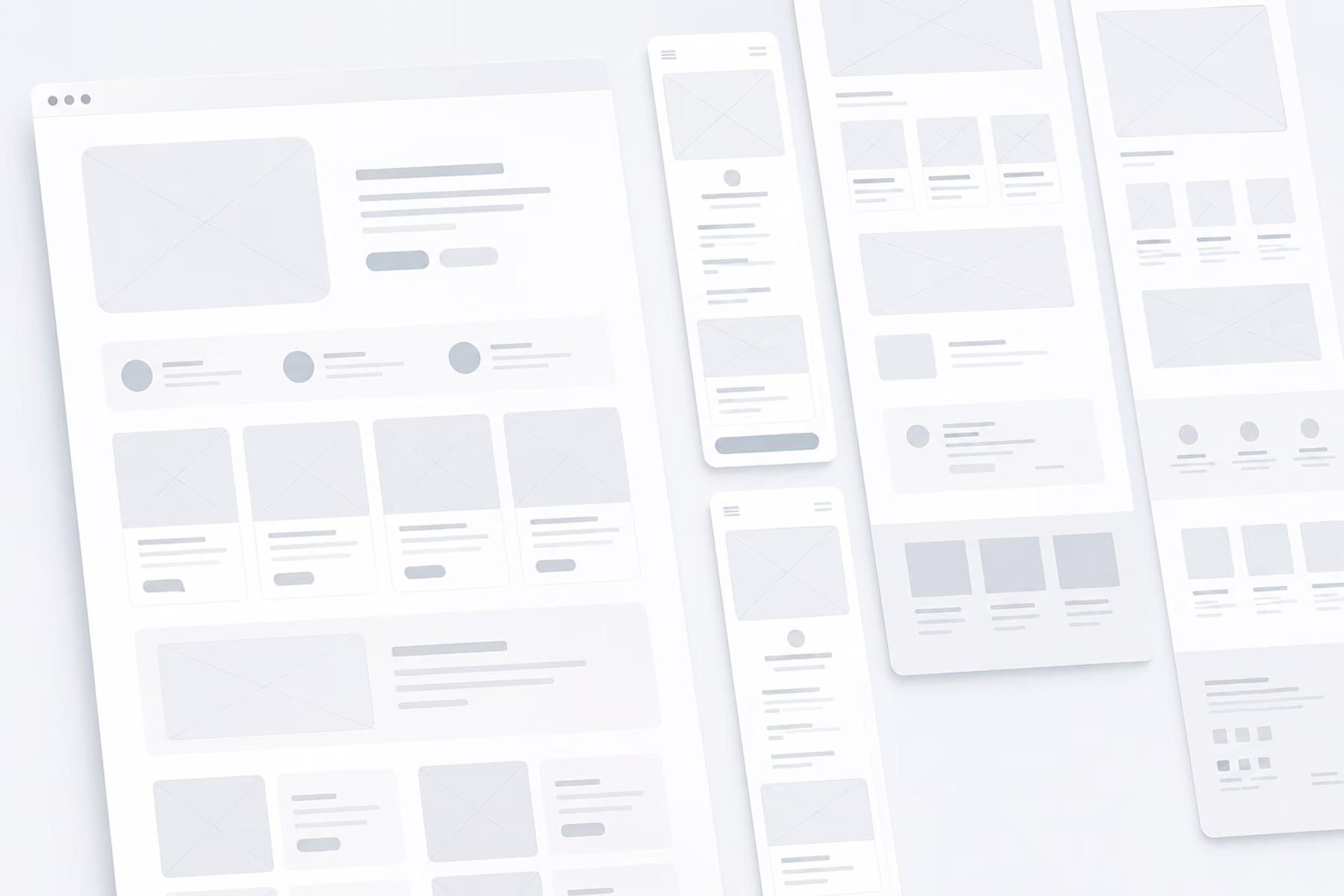
A UX wireframe is a simple, usually grayscale layout of a screen that shows what content goes where, how users move between pages, and what each element does, before any visual design is applied. Wireframes let teams agree on structure and test usability early, when changes are cheap.
When creating a product, especially when working in UX/UI there are many key steps to take to make it successful. We know the importance of mockups, but what about wireframes? Wireframes are a critical component in the beginning stages of designing a product, but you may be asking how exactly they fit into the design process.
What Is a Wireframe in UX Design?
First, you’ll need to understand what is a wireframe in UX/UI design specifically. A wireframe is a diagram created early in the development process to represent the structure and navigation of a website or app. While this does sound similar to mockups, wireframes differ in perspective, for with wireframes we are looking at how the information will be displayed within a product as opposed to just the overall look and feel of a product.
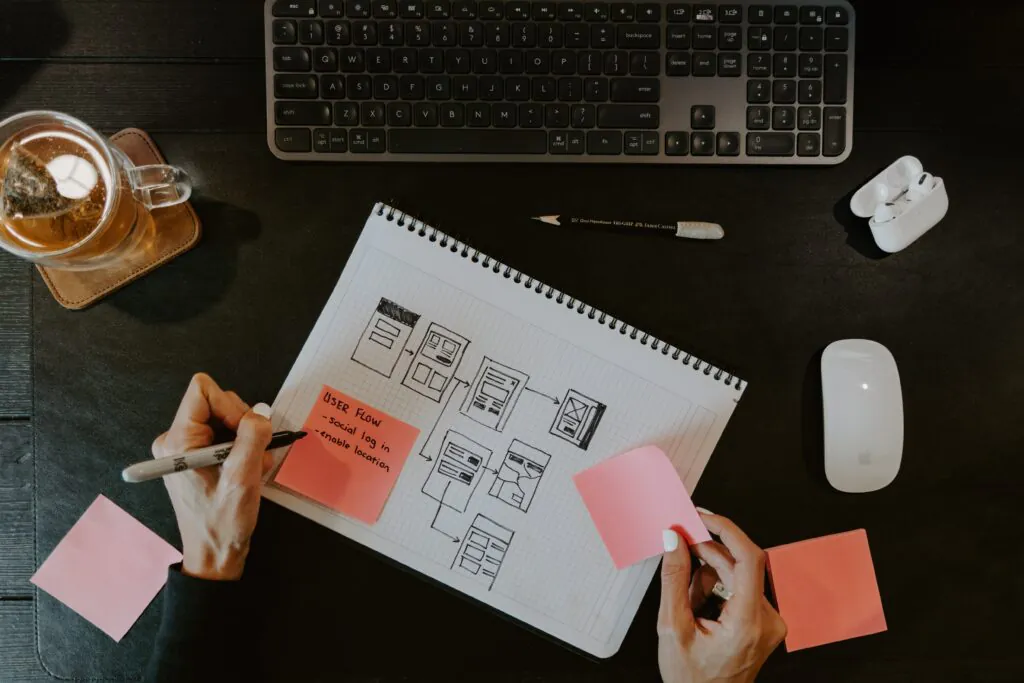
For example, say we have an idea for a health management application for users. In the mockup phase, we can show how this application would look to users visually, the color schemes, the fonts, and various other design application choices. With a wireframe, we then include a general idea of the information that would then be provided per page, and how designers would categorize or section out this information throughout the application.
What Are Wireframes For?
Wireframes are used to present the information displayed on each page. Think of them as well-thought-out and intricate plans with specific descriptions for each intended piece of information on said pages. Wireframes also show the structure and layout of the interface, which helps guide the design team in the direction of how the UI will look and function. They provide critical information towards the business objectives as well, in acting as a visual representation of a design team's ideas for stakeholders/clients.
FiftySeven® - Dribbble
Why Use Wireframes?
The use of wireframes incorporates feedback and collaboration between client and designer, which is key to ensuring the final product meets each party's expectations. You wouldn’t want to find there are any amount of alarming issues post-production and need to backtrack on the design.
Wireframes also put more focus on usability. Displaying the details per page, acting as a skeleton, allows designers to test the usability in a practical and actionable way. Instead of viewing the intended information to be displayed, we are seeing how it will be laid out in the end result.
Focusing on usability, receiving feedback, and various other benefits with the use of wireframes. Benefits also include saving time, money, and fewer future problems.
Displaying wireframes can help paint a clearer picture of a product with clients, as we mentioned. Having clear communication of ideas early on in the design process leads to fewer issues later on, therefore saving time and money.
Boro | Yehor Haiduk - Dribbble

Types of UX Wireframes: Low, Mid, and High Fidelity
"Fidelity" means how close a wireframe looks to the finished product. Most UX projects move through all three levels, adding detail only once the structure is agreed.
- Low-fidelity wireframes: quick sketches on paper or a whiteboard, or simple boxes in a digital tool. They explore layout options and user flows in minutes and are easy to throw away.
- Mid-fidelity wireframes: clean grayscale layouts with real headings, accurate spacing, and actual navigation labels. This is the level most teams use to review structure with stakeholders and run early usability tests.
- High-fidelity wireframes: detailed layouts with real copy, final content hierarchy, and component states (errors, empty states, hover). They sit close to a mockup but still leave out final colors, imagery, and brand styling.
Wireframe vs. Mockup vs. Prototype
These three get mixed up often. They answer different questions:
- Wireframe: what goes where and why. Structure, content priority, and navigation, usually in grayscale.
- Mockup: how it looks. A static visual design with color, typography, imagery, and brand applied to the wireframe.
- Prototype: how it works. A clickable or interactive version, built from wireframes or mockups, used to test flows with real users.
A common sequence is wireframes first, then a clickable wireframe prototype for early testing, then mockups and a high-fidelity prototype once the flow works.
How to Create a UX Wireframe in 6 Steps
- Define the goal and user. Write down who the screen is for and the one task it must support, based on user research.
- Map the flow. Sketch the path users take to complete that task, screen by screen. A user flow or UX map keeps this grounded in real behavior.
- List the content. For each screen, list every element it needs: headings, navigation, calls to action, forms, and supporting content.
- Set the hierarchy. Arrange elements by importance. The primary action should be the most visible thing on the screen.
- Use real copy where you can. Placeholder text hides problems. Real headlines and labels show whether the layout actually works.
- Test and iterate. Link the wireframes into a clickable prototype and ask a few users to complete the task. Fix what confuses them before visual design starts.
UX wireframing tools
Pen and paper is still the fastest way to start. For digital wireframes, most UX teams use Figma, which handles wireframes, mockups, and prototypes in one file. Balsamiq is built for deliberately rough, low-fidelity wireframes, and Miro or Whimsical work well for collaborative sketching and user flows.
Common wireframing mistakes
- Adding color and branding too early, which turns structure feedback into taste debates.
- Wireframing single screens without the flow between them.
- Using lorem ipsum everywhere, so content problems surface only after design.
- Skipping mobile layouts until the end.
- Treating the wireframe as final instead of testing it with users.
Wireframes are one step in a larger process. See how they fit into the full UX design process, or browse the best UX websites for examples of what well-structured pages look like once they're built.
In Conclusion
Wireframes are a great step to take in the development process of a product and lead the team forward in the right direction. They should typically be done at the early stages of product development, to ensure client satisfaction and result in saving you time and money later on.
Check out our article on Layouts in UX: Mockups.
Product goals? Let’s make it happen. Book a free consultation call with our team.
What Questions Do You Have About Wireframes?
Talk to us on LinkedIn, Instagram, Facebook, or Twitter.